Products with variants
Technical configurator
Describe a product with variants once: characteristics, rules, price, bill of materials and routing. The salesperson configures it on the quote or order line, and the manufacturing order picks up the frozen configuration.
A product described by its characteristics and its rules
Products with variants
A configuration model is attached to an item. It is versioned: an activated version can no longer be edited, you create a new one.
- Module
- Technical configurator
- Family
- Products with variants
A product described by its characteristics and its rules
A configuration model is attached to an item. It is versioned: an activated version can no longer be edited, you create a new one.
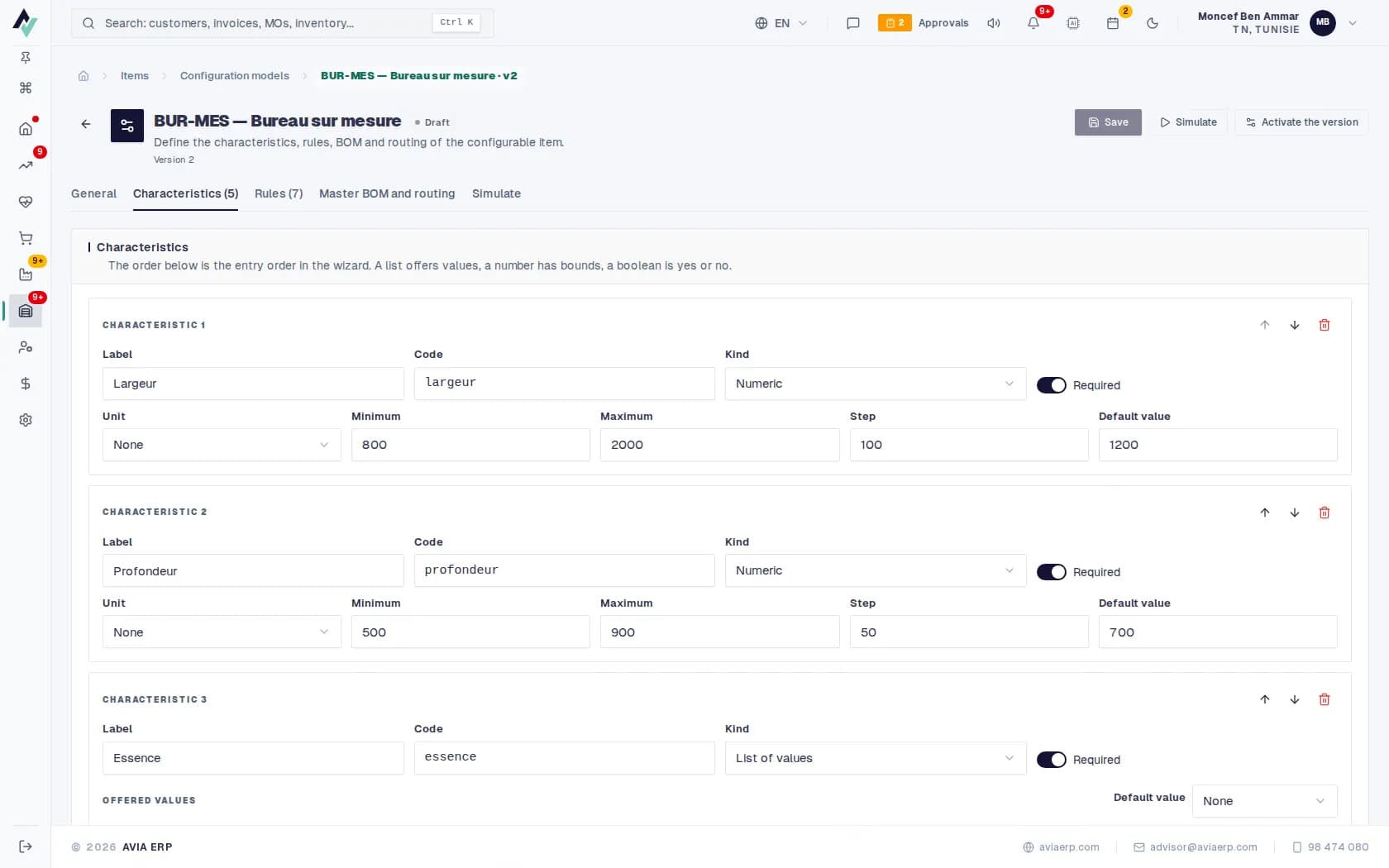
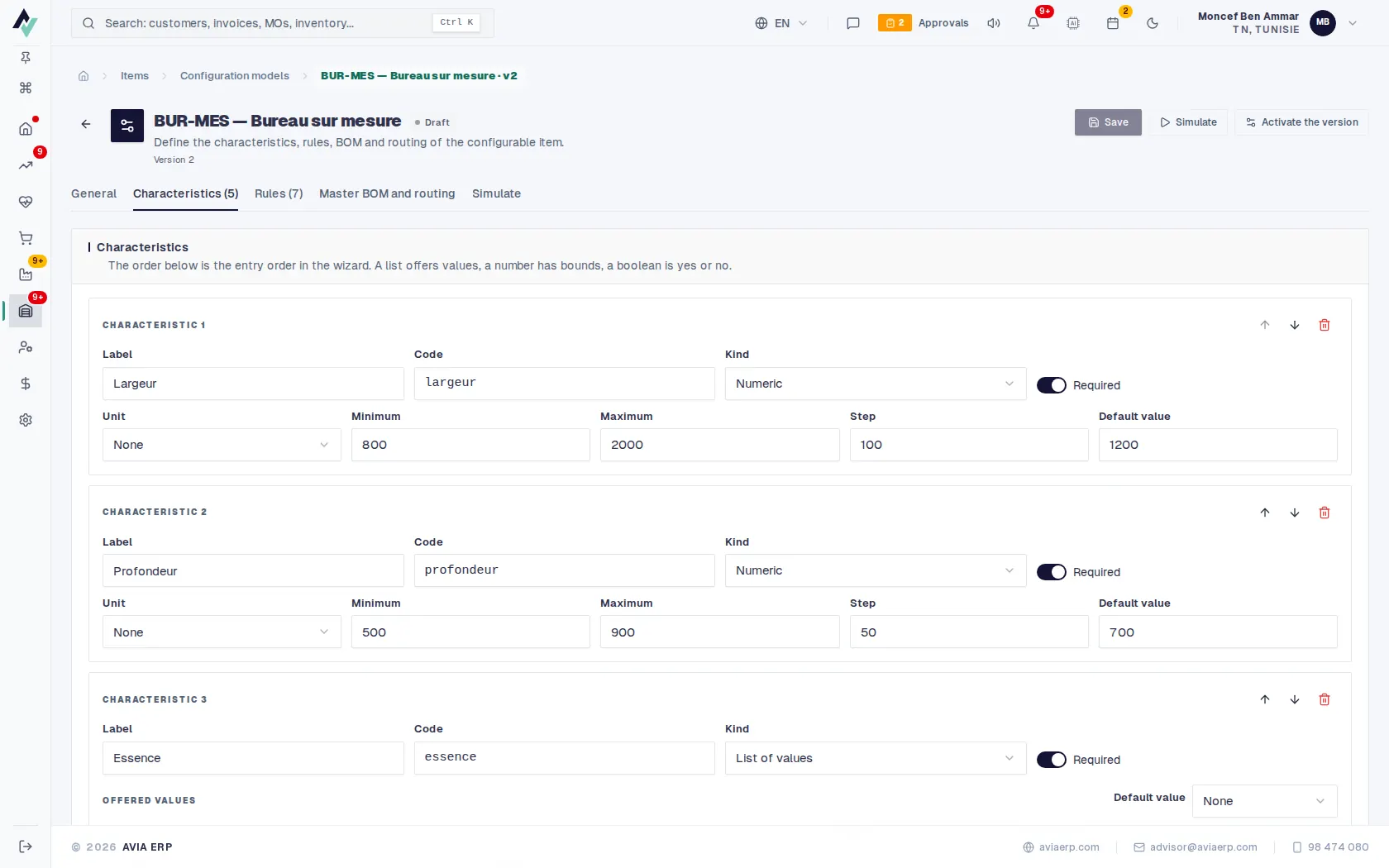
- Characteristics of three kinds: list of values, numeric (unit, minimum, maximum, step) or yes / no, with a default value and a required flag.
- A supplement can be attached to each value of a list, as an amount or a percentage of the base price.
- Eight rule types in the catalogue, set up through a form: value exclusion, value compatibility, required if, default value if, allowed range if, price per unit, price per product of two dimensions, fixed supplement.
- Each rule applies when its condition is true (no condition: always); a constraint rule has a mode: observe (logs only), warn (lets it through and flags it) or block (refuses the configuration).
The salesperson configures, the price is computed live
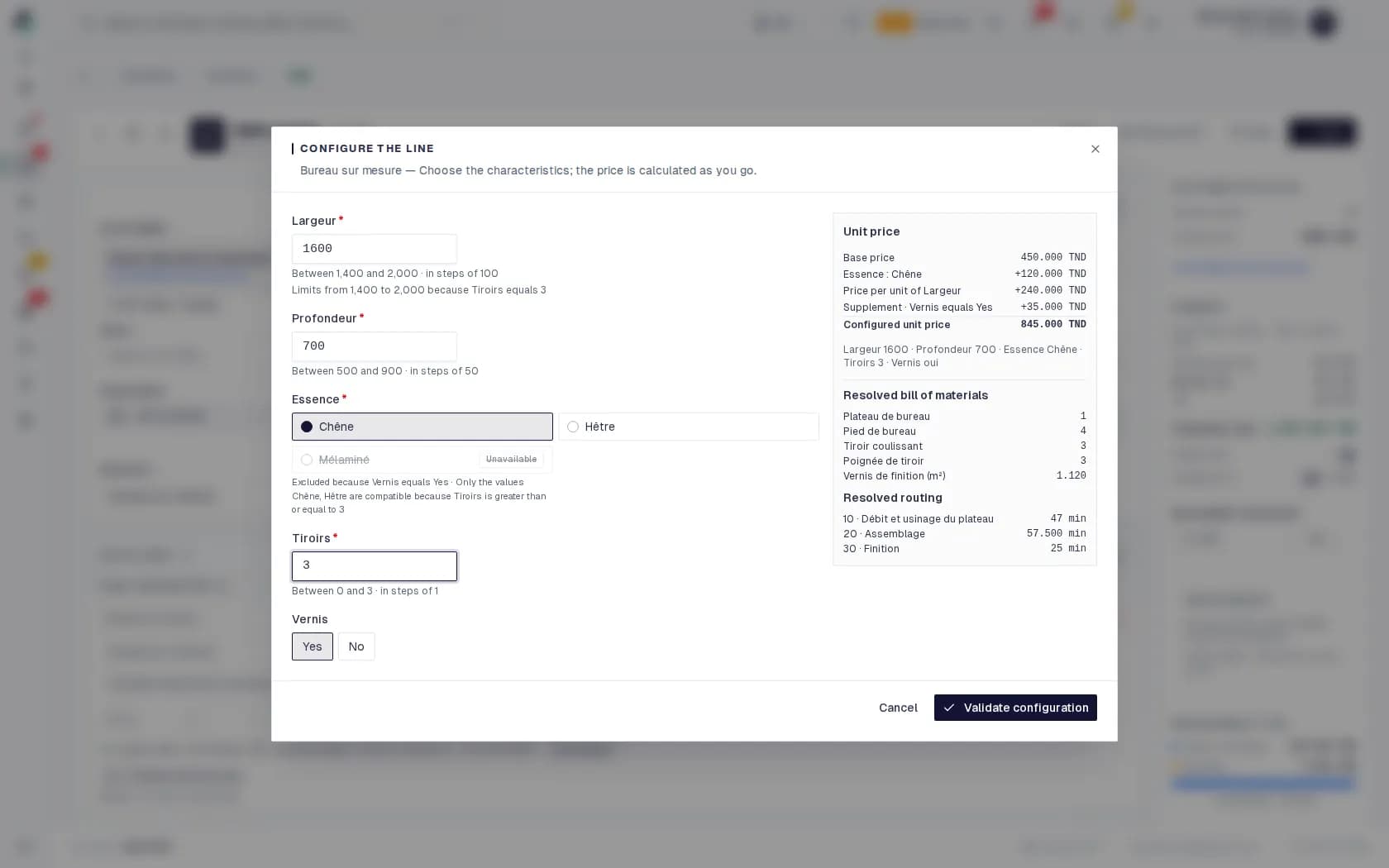
On a configurable item, the quote or order line shows “To configure” and a “Configure” button that opens the assistant.
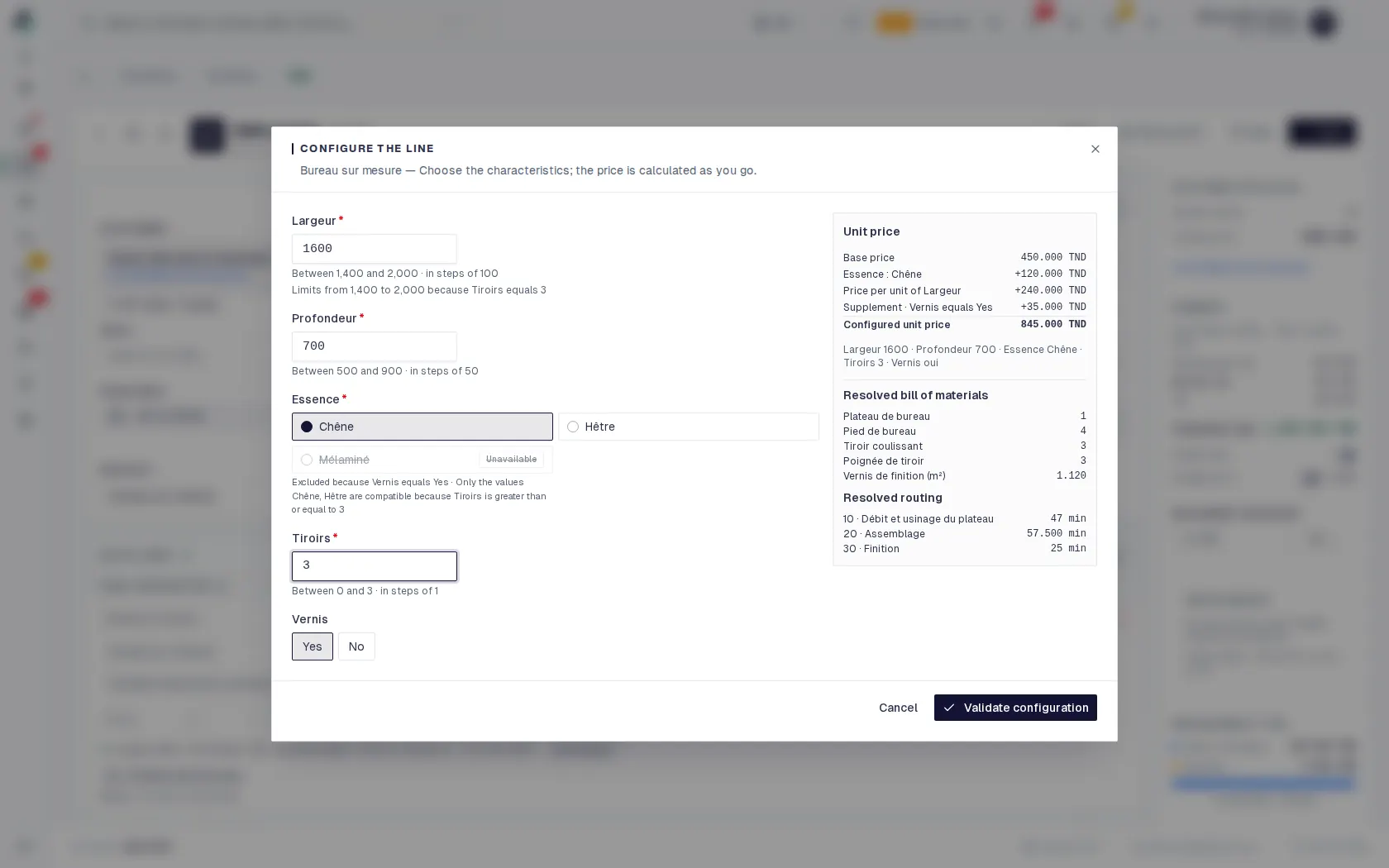
- A value ruled out by a rule is greyed out (“Unavailable”) and the reason is shown under the value, with the rule and its condition.
- The bounds of a numeric value tighten according to range rules in block mode; an out-of-range entry is refused.
- The unit price is broken down on screen: base price, supplements per value, price per unit or per product of two dimensions, fixed supplements.
- “Validate configuration” freezes it under a CFG number and sets the configured price as the line’s base price; discounts and taxes remain those of the line.
From the order to the manufacturing order
The validated configuration follows the line: from quote to order, then to the shop floor.
- The master bill of materials and routing are filtered by conditions; their quantities and times can be computed from the numeric characteristics.
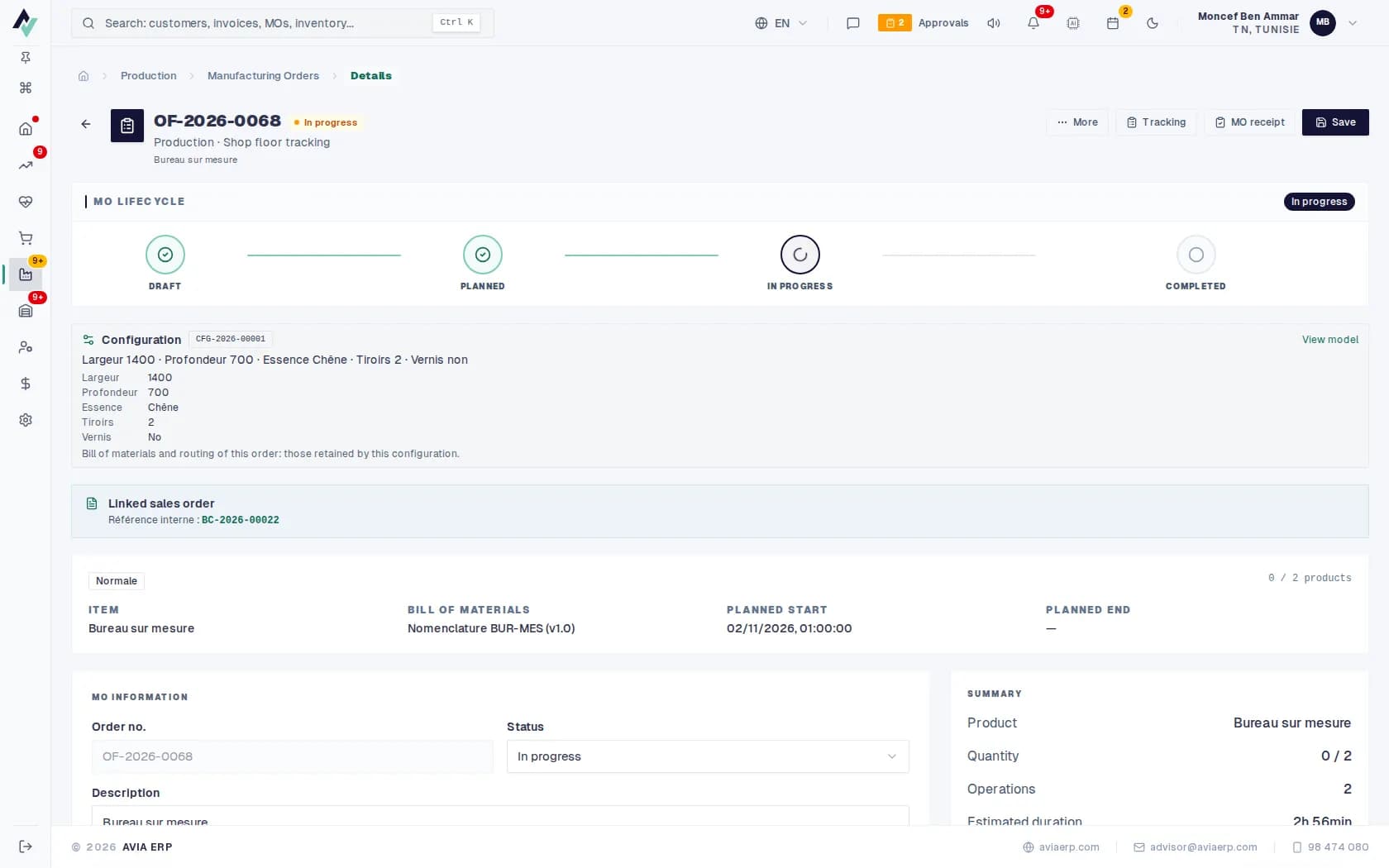
- The manufacturing order created from the sales order picks up the configuration: operations from the resolved routing, components frozen at release from the resolved bill of materials.
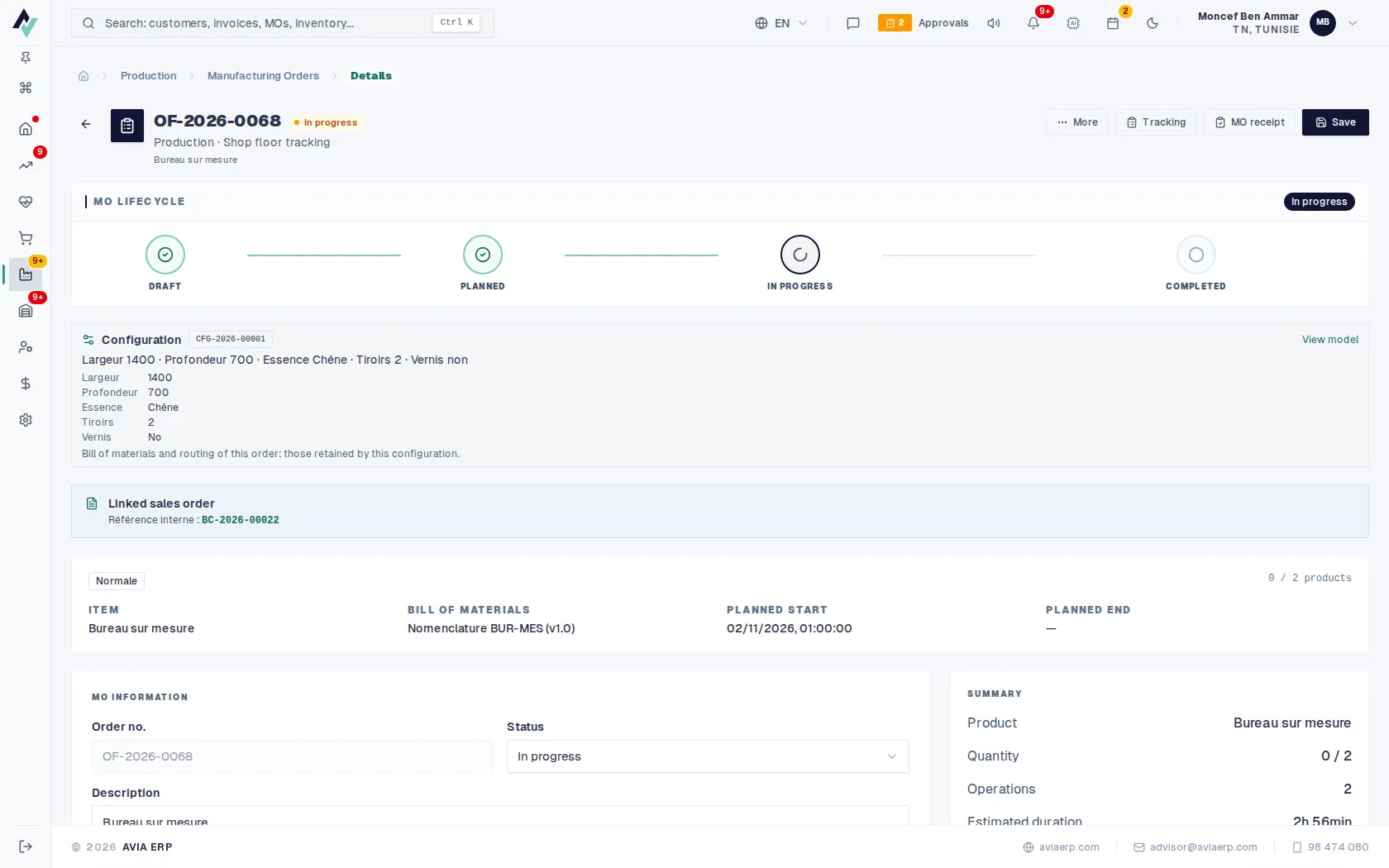
- The order record shows a “Configuration” block: summary of the chosen characteristics, CFG number, link to the model.
- “Simulate manufacturing” on a configured line creates a simulation order, left out of requirements planning (MRP).
The configurator in screenshots
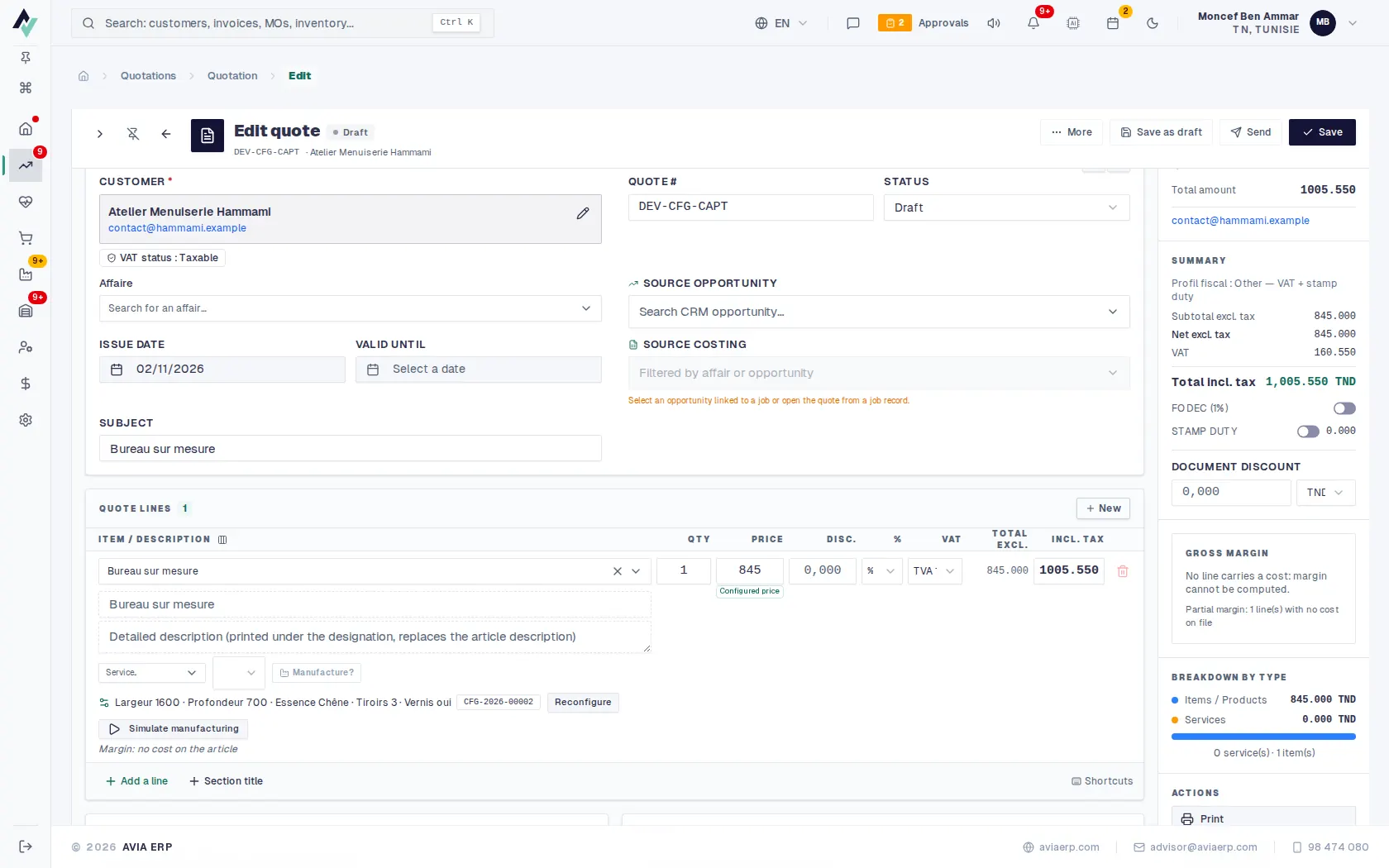
Six portal screens: defining a model, a rule and its condition, simulation before activation, the salesperson’s assistant, the configured quote line and the manufacturing order that picks up the configuration. The names of characteristics and values (Largeur, Essence, Chêne…) are data entered in French on the demonstration company.
Portal screenshots on a fictitious demonstration company, on a local test bench: the names and figures shown are sample data.
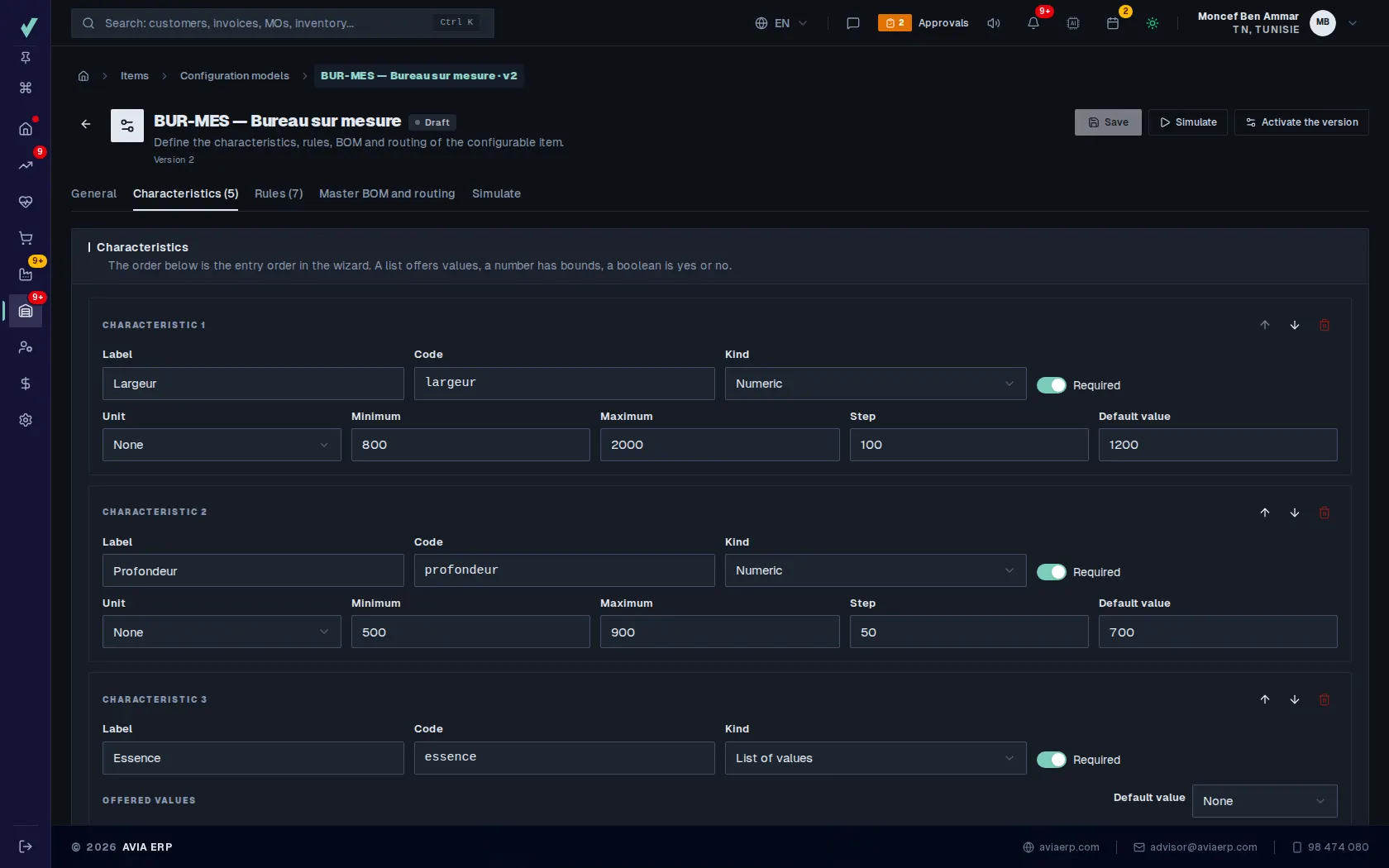
- Items › Configuration models › Characteristics
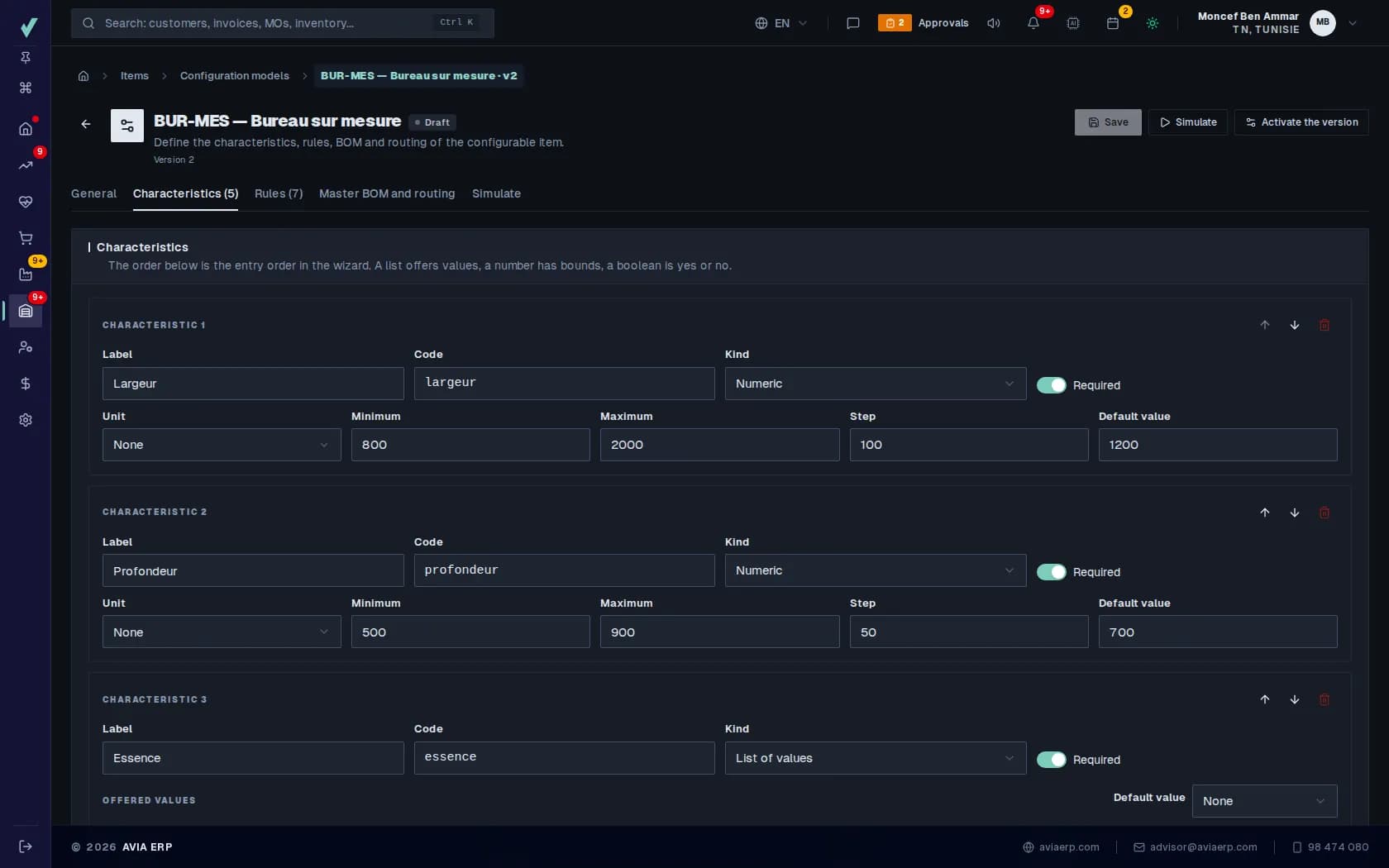
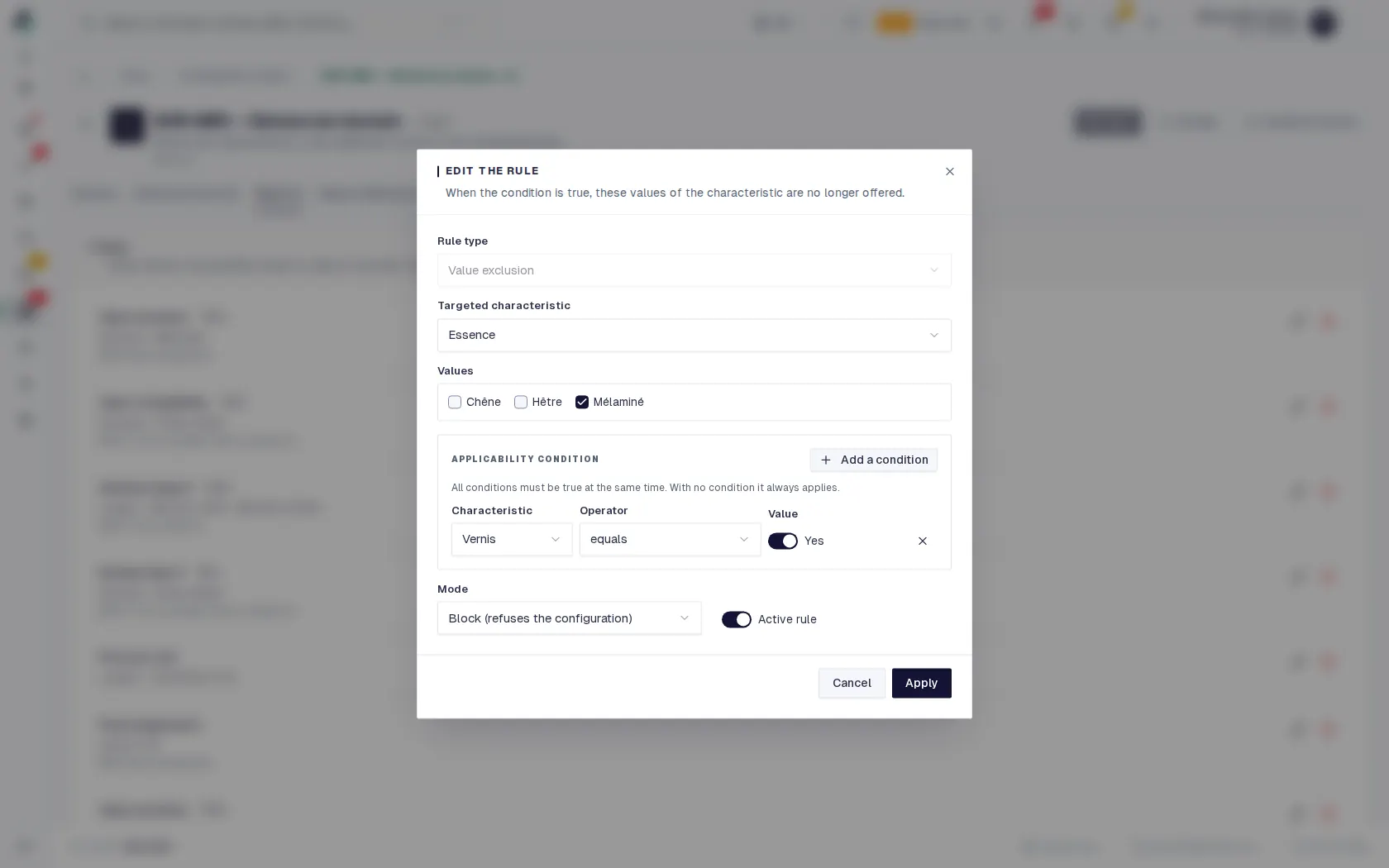
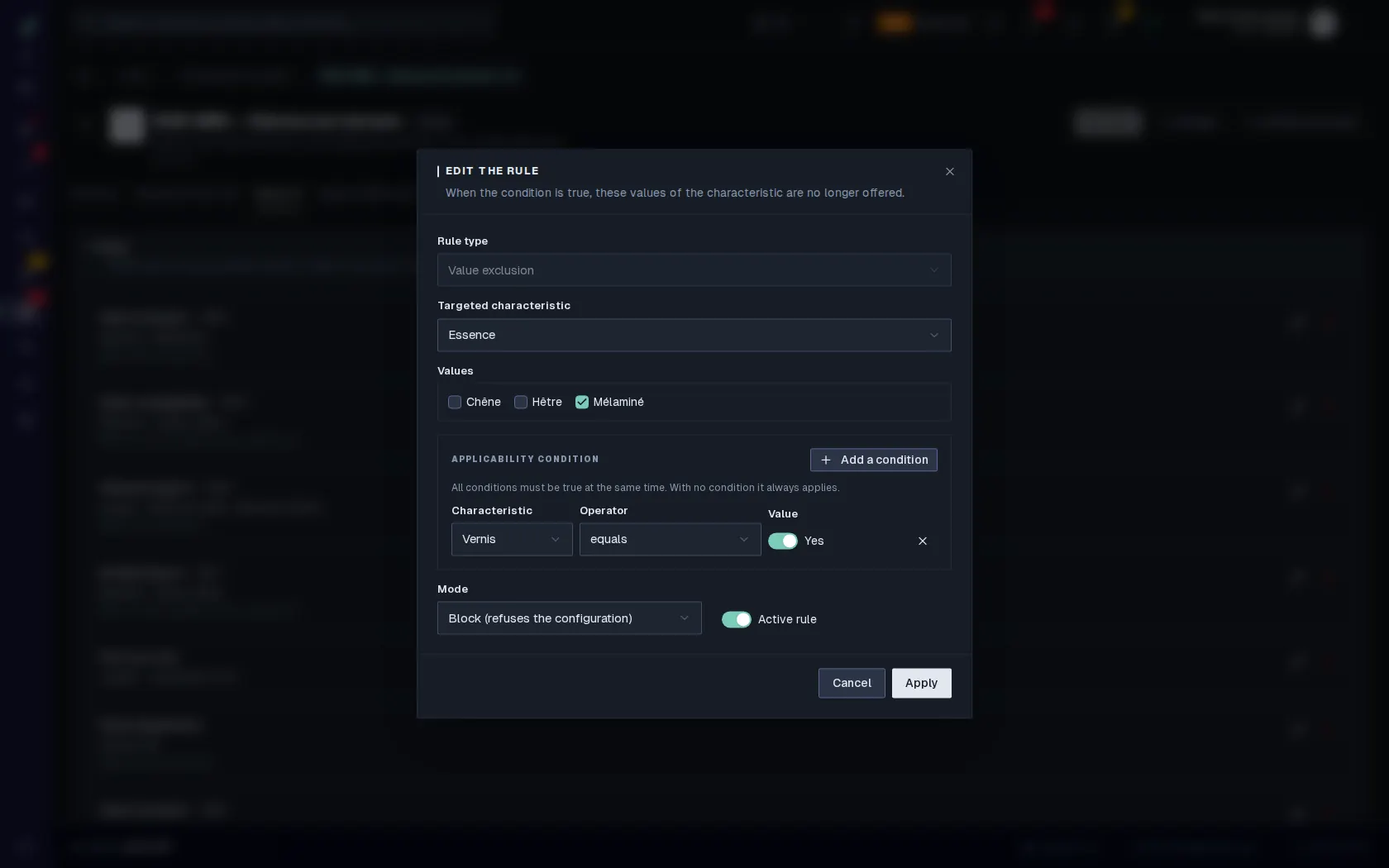
The model of a configurable item: each characteristic has its kind (list, numeric, yes / no), bounds, step, default value and required flag. - Configuration model › Rules › Edit the rule
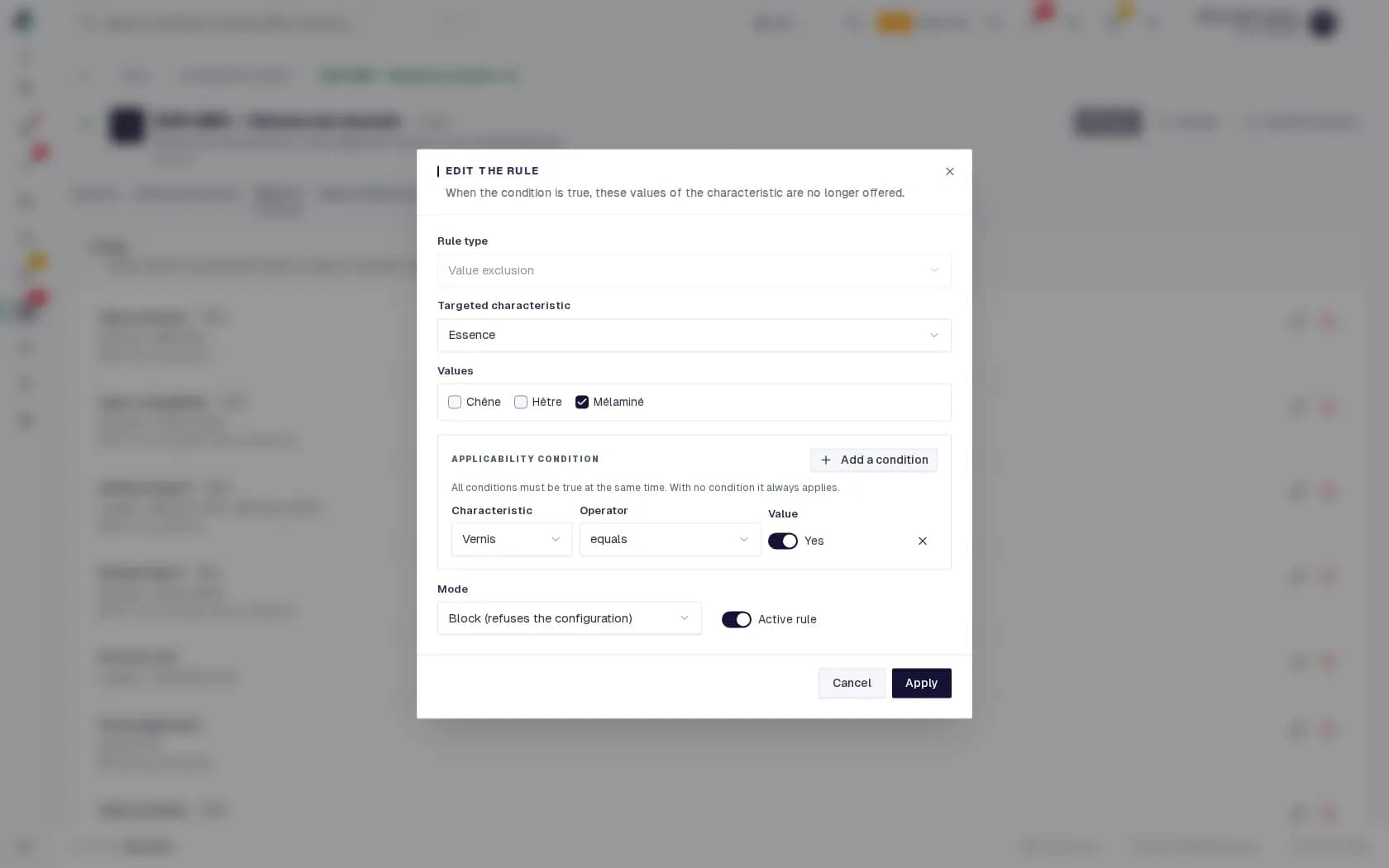
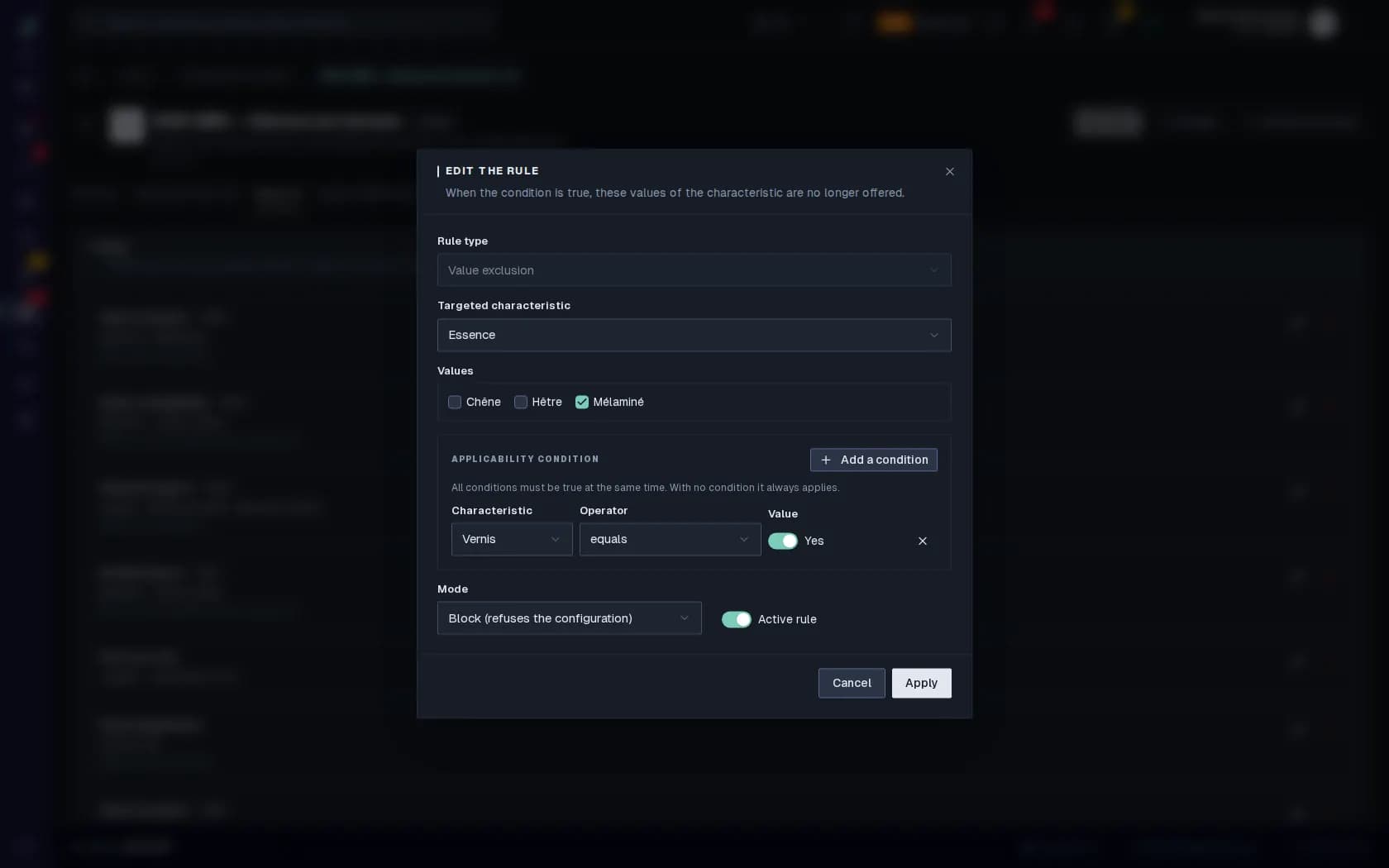
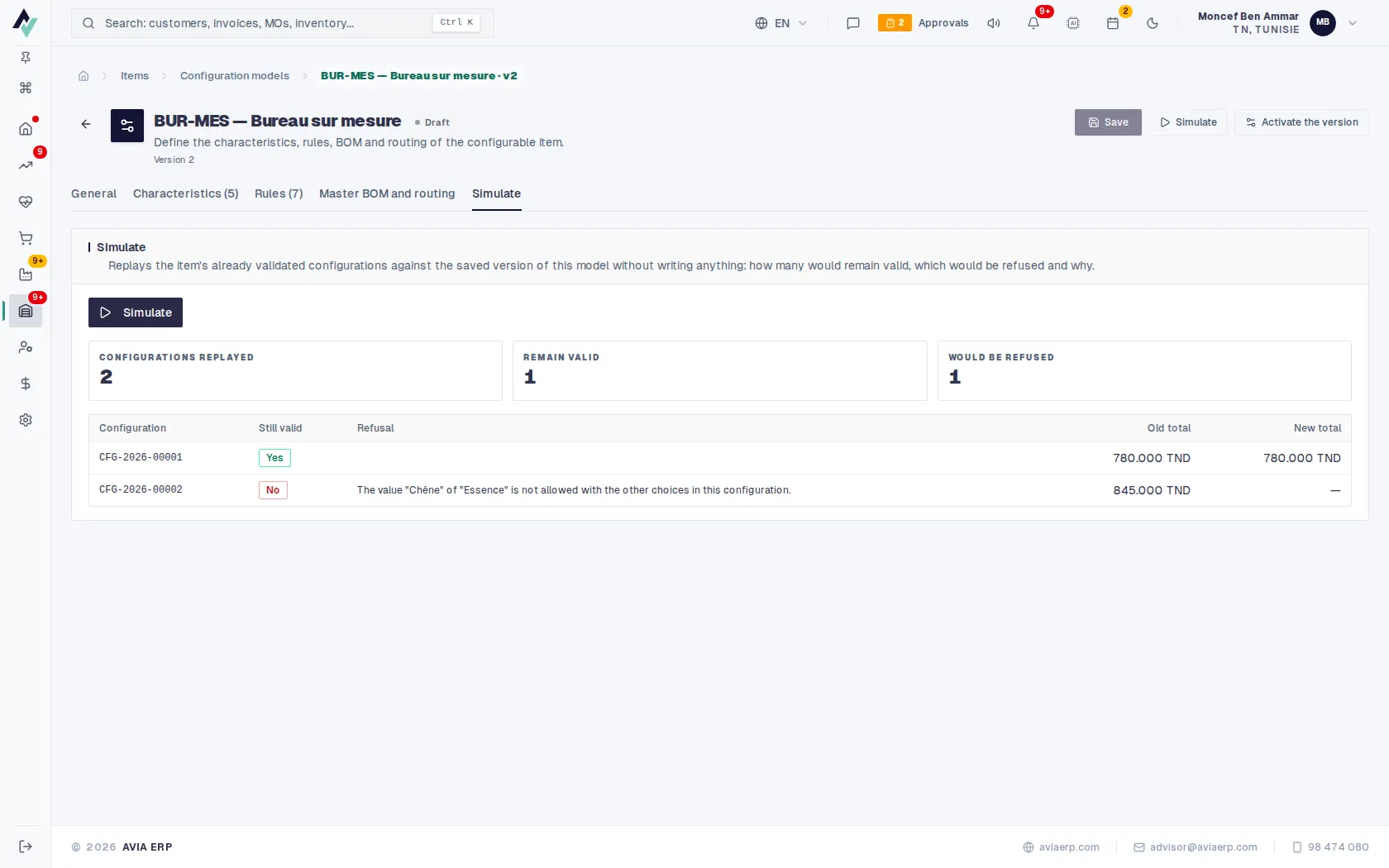
A rule composed from the catalogue: here, melamine is excluded when varnish is requested. The mode chooses between observe, warn and block. - Configuration model › Simulate
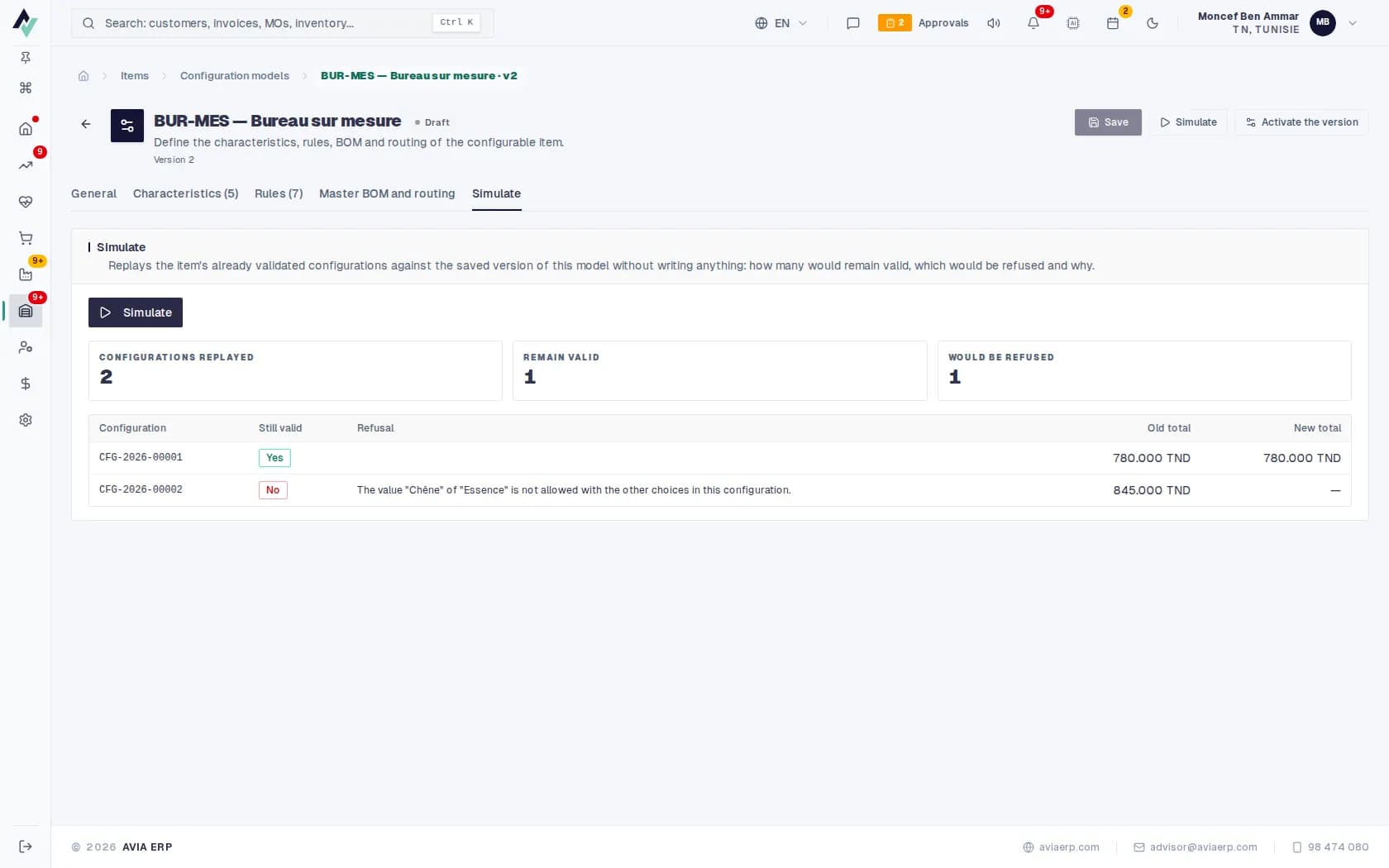
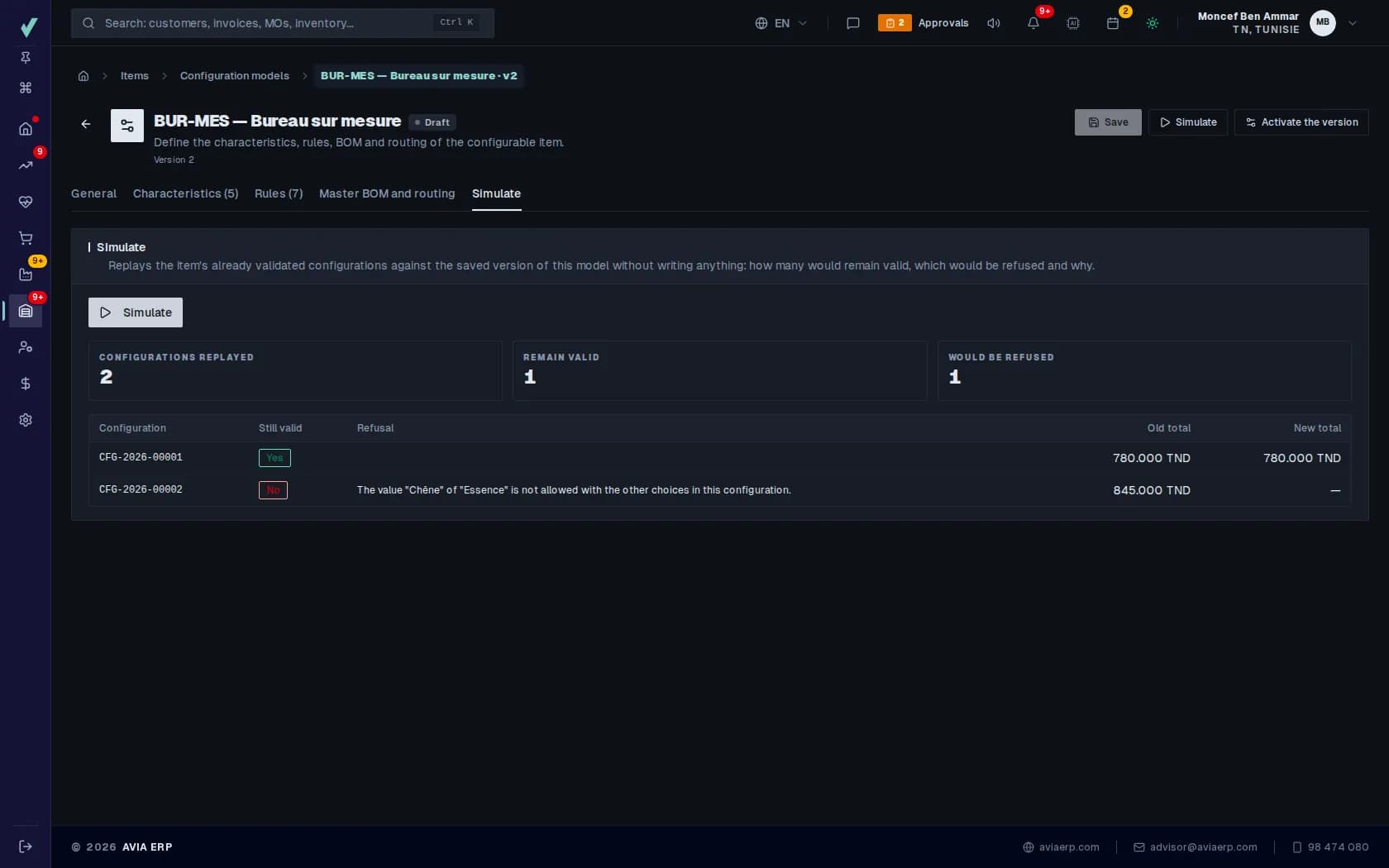
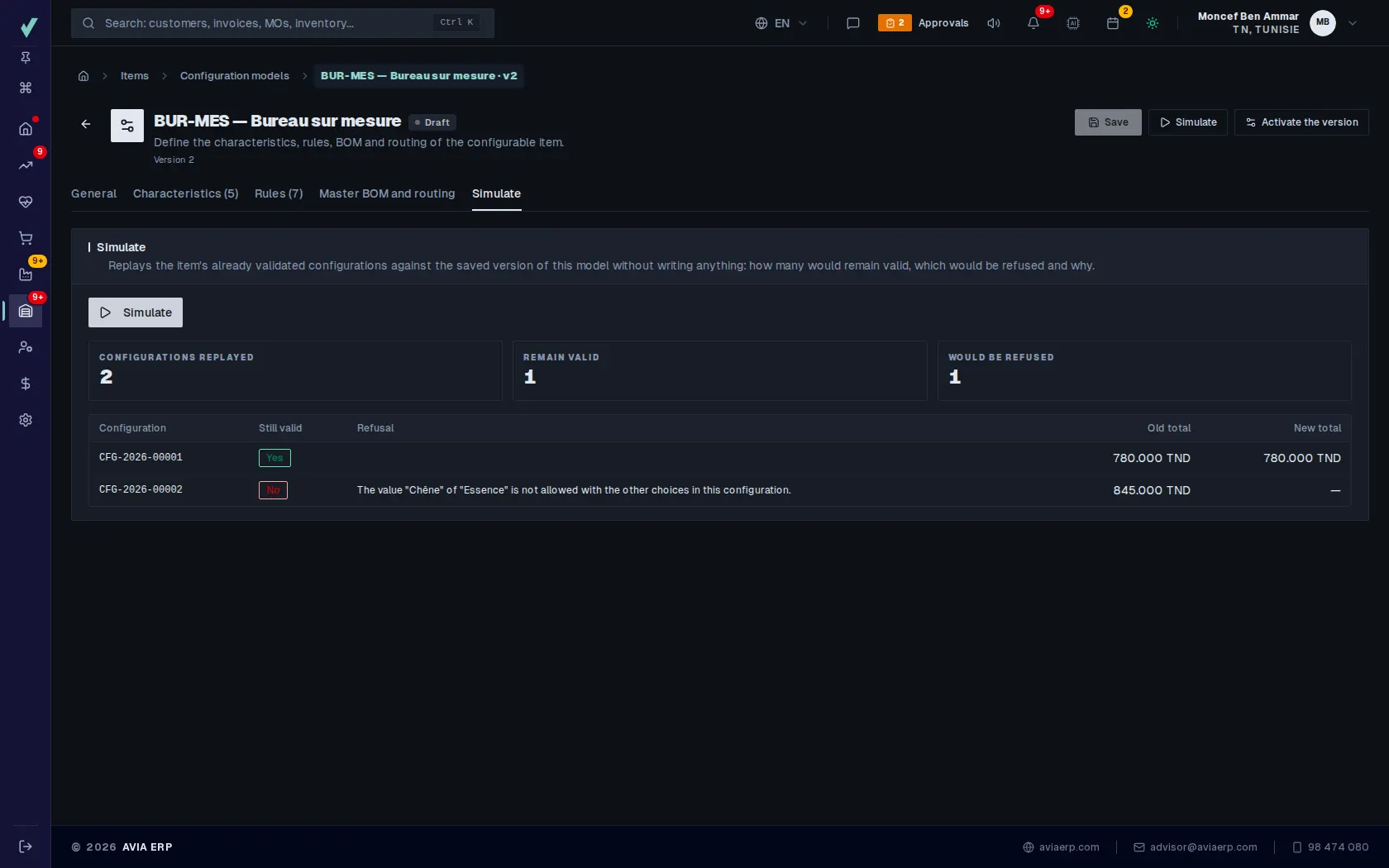
Before activating a version, “Simulate” replays the configurations already validated: how many stay valid, which would be refused and why. - Quotes › Edit › Configure the line
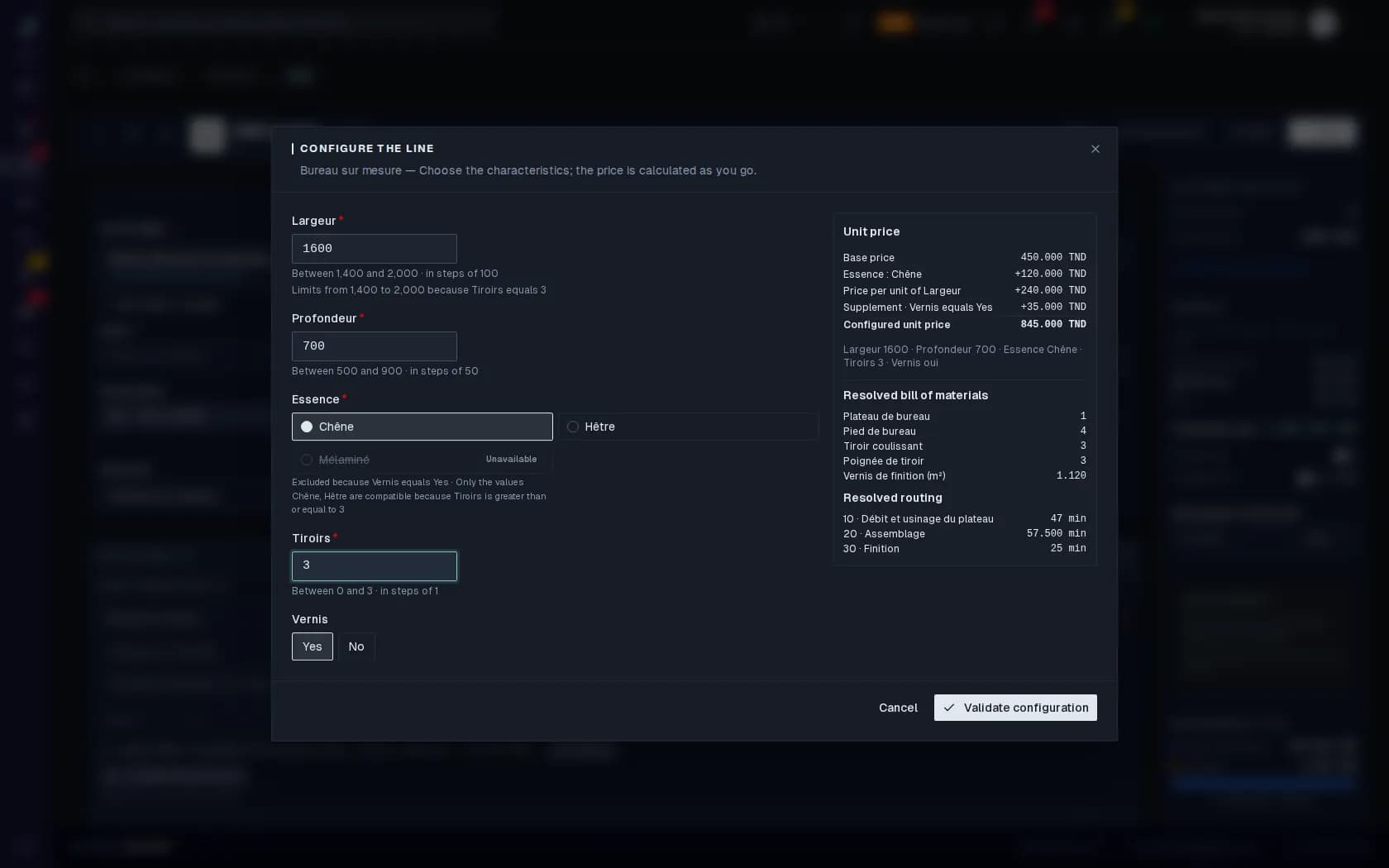
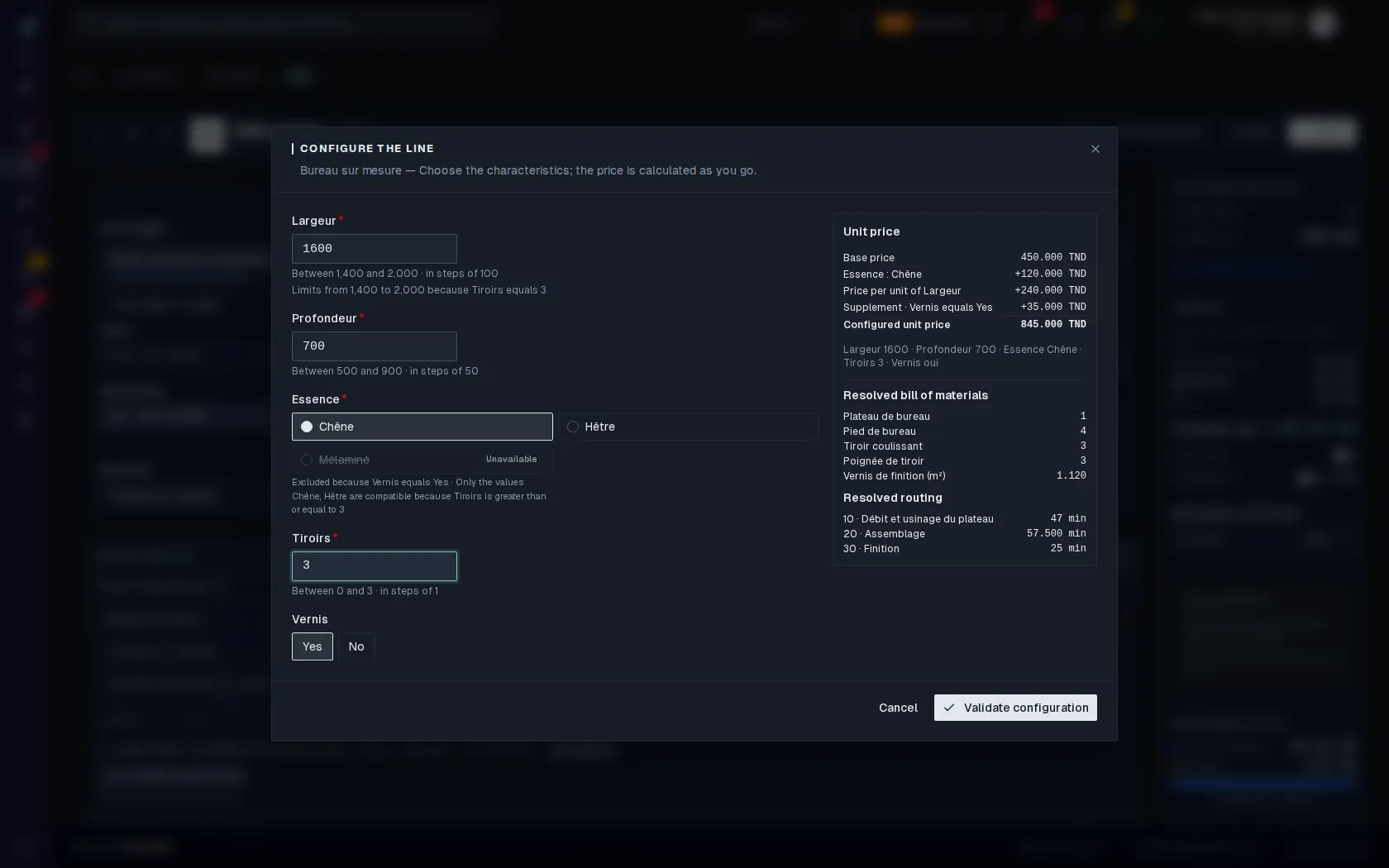
The salesperson’s assistant: the forbidden value is greyed out with its reason, and the price is recomputed at each choice, as are the bill of materials and routing for users with the production right and module. - Quotes › Edit › Configured line
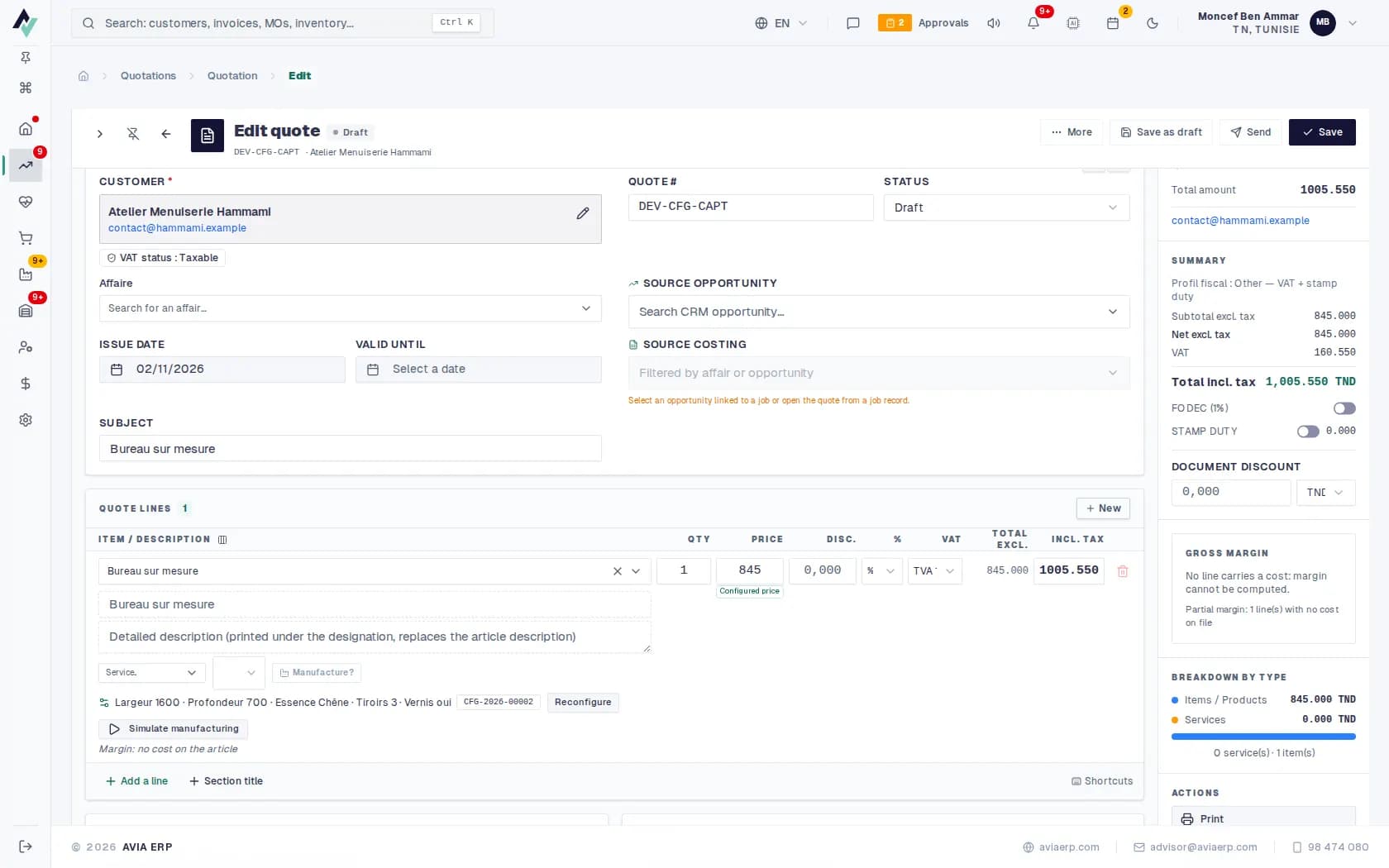
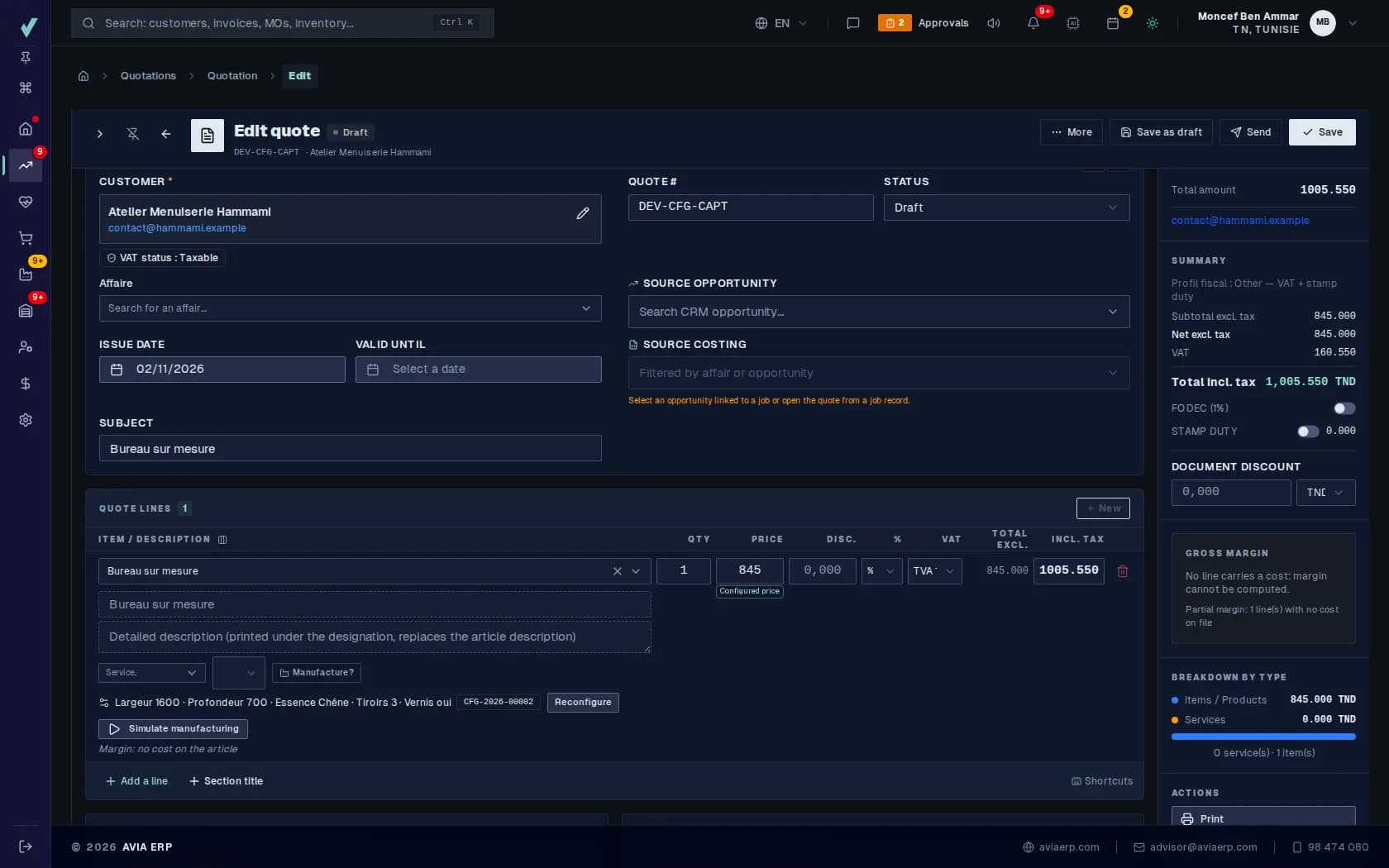
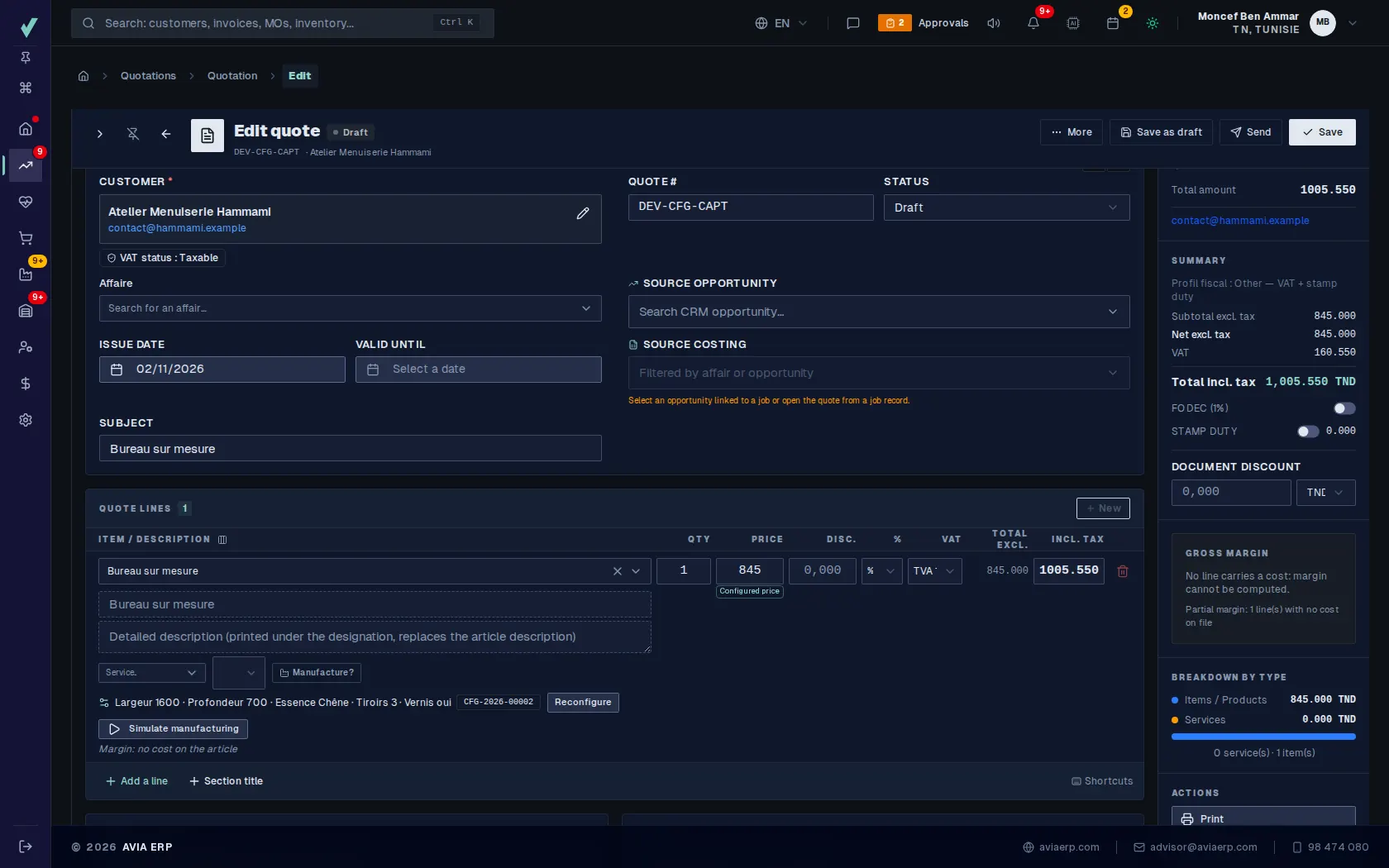
After “Validate configuration”: the summary, the CFG number and the configured price are on the line, which keeps buttons to reconfigure or simulate manufacturing. - Production › Manufacturing orders › Details
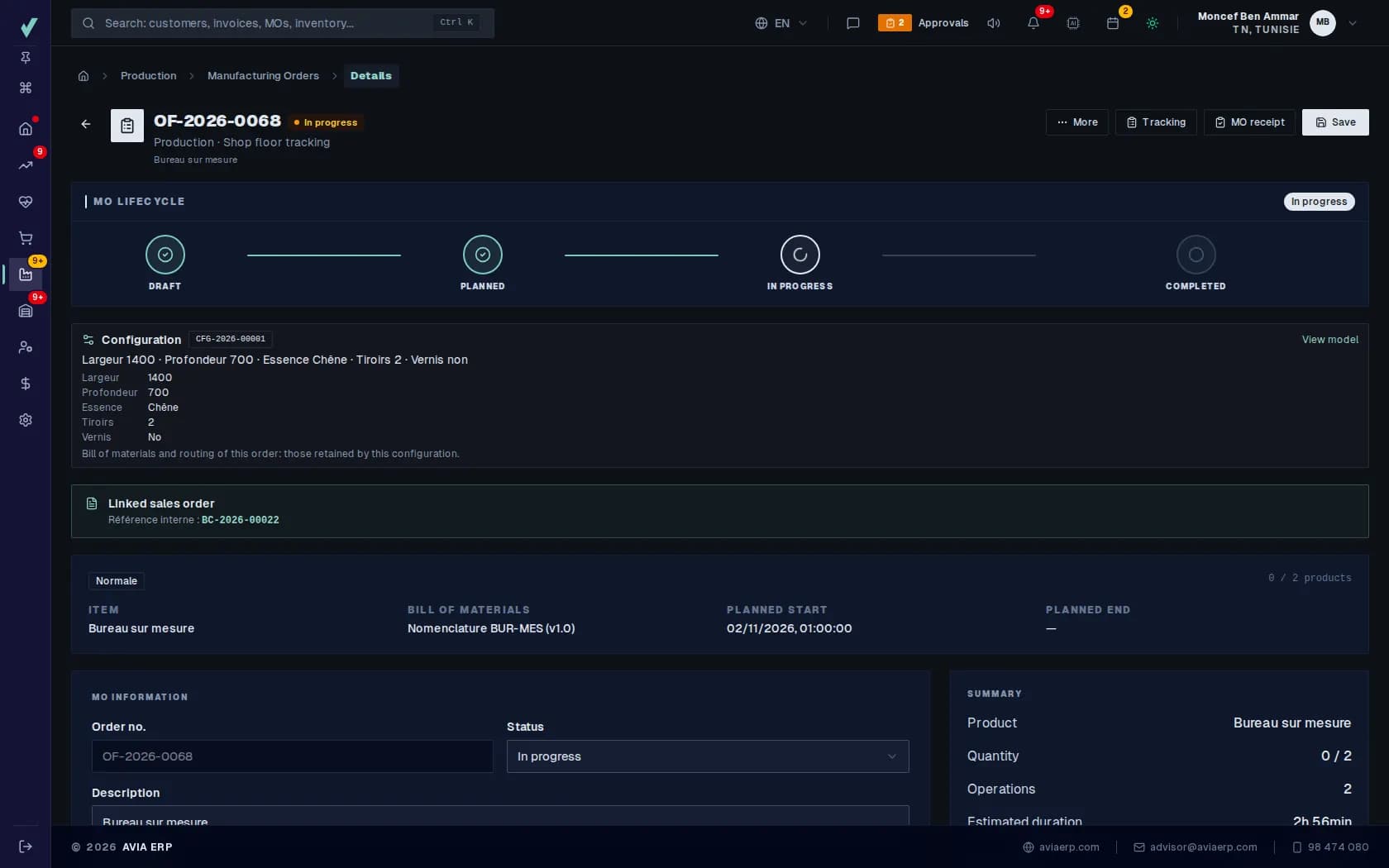
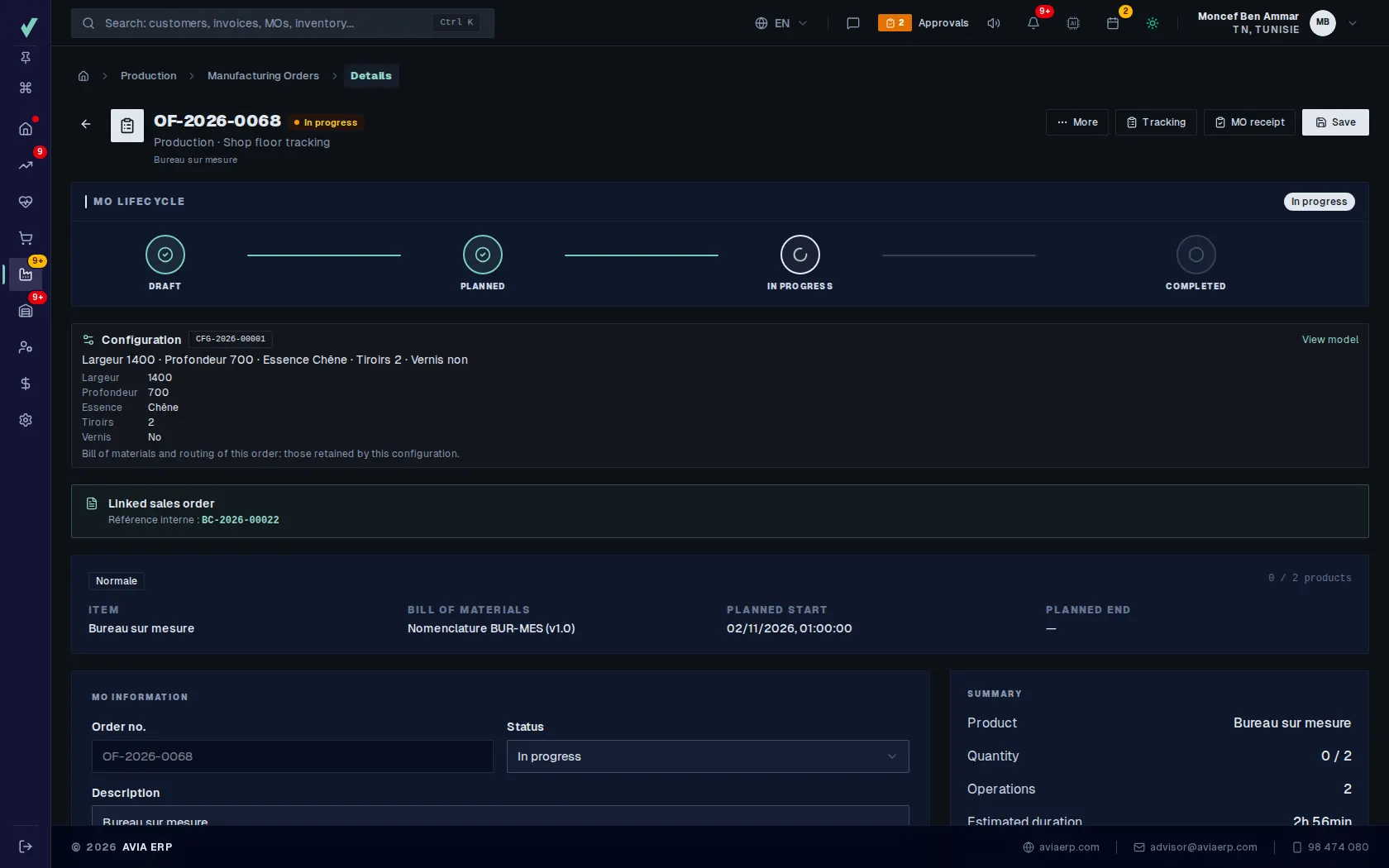
The manufacturing order created from the sales order shows the configuration it builds; its operations and components come from it.
How to do it in AVIA
From the model to the manufacturing order, step by step
Eight steps, each with the portal screen and the rule or right that applies to it.
| Step | Screen | Rule or right | What you see |
|---|---|---|---|
| 1. Make the item configurable | Items › Configuration models › New model (or item record, Configuration tab › Make configurable) | Defining a model requires the edit right in production | A draft model, version 1 |
| 2. Describe the characteristics | Model › Characteristics tab | List, numeric or yes / no; supplement per value | The characteristics and their values, reorderable |
| 3. Set the rules | Model › Rules tab › Add a rule | One of the eight types, a “When” condition, a mode (observe, warn, block) for constraints | The active rules, each with its type and mode |
| 4. Filter and compute the bill of materials and routing | Model › Master BOM and routing tab | Presence condition; fixed, proportional, affine or product calculation | “Condition” and “Computed quantity” (or “Computed time”) columns |
| 5. Simulate | Model › Simulate tab | Replays the item’s validated configurations against the saved version | Configurations that stay valid or would be refused, old and new total |
| 6. Activate the version | Model › Activate the version | A version in effect can no longer be edited: use “New version” to change it | The version “In effect”, read-only |
| 7. Configure a line | Quote or order › line › Configure | Configuring requires the create right in sales; a confirmed order requires the configuration | Greyed values with the reason, price breakdown (resolved BOM and routing with the production right and module), then summary and CFG number on the line |
| 8. Manufacture or simulate | Order › manufacturing order; configured line › Simulate manufacturing | Create right in production and the production module | “Configuration” block on the order, resolved operations, components frozen at release |
What the configurator does not do
Current limits, stated so that nothing absent is promised.
- The configured price is expressed in the company currency: it is not converted on a document in a foreign currency.
- No item is created per variant: the stock of a configured product is not distinguished by configuration.
- No 3D view and no parametric drawing.
- Rules come from a closed catalogue of types: no free-form formula. A need these types do not cover becomes a new type, added to the product.
- The “new manufacturing order” form does not offer a configuration: a configured order is created from the sales order, or as a simulation from a configured line.
What the configurator does
Six delivered functions, each one visible on a portal screen.
- Characteristics and values : List, numeric or yes / no, with unit, bounds, step, default, required flag and a supplement per value. Each model is versioned.
- Rules tested before activation : Rules are composed from a closed catalogue of eight types, with no free-form formula. “Simulate” replays the item’s already validated configurations: how many stay valid, which would be refused, old and new total.
- Greyed-out values with their reason : The salesperson sees why a value is not offered. The server re-evaluates the configuration at validation and refuses a blocking rule.
- Price per value, per area or fixed : Supplement per value, price per unit of a characteristic, price per product of two dimensions (width × height), fixed supplement under condition. The price is broken down line by line.
- Filtered and computed bill of materials and routing : A bill-of-materials line or an operation is kept according to its condition; its quantity or time comes from an entered value, a coefficient, an affine relation or a product of two characteristics.
- Frozen configuration, picked up by the manufacturing order : The validated configuration carries its number, values, bill of materials, routing and price breakdown. It follows the quote converted into an order; the manufacturing order picks it up and production reads it without prices.
A 45-minute industrial diagnostic on one of your real processes.
One description, consistent variants
- Forbidden combinations are ruled outA blocking rule greys the value in the assistant and the server refuses it at validation: the restriction does not depend on the screen.
- Price and manufacturing start from the same configurationPrice breakdown, components and operations are resolved from the same chosen values, then frozen together under a CFG number.
- One item, every variantThe configuration stays attached to the configurable item: no item is created per variant (see the limits).
16 named references
They trust us
- AveralandCosmetics manufacturing.
- SEI — Société l'Évolution IndustrielleIndustrial machinery and equipment manufacturing.
- SODISOLSafety equipment distribution.
- INTECHGarment machinery distribution and customisation.
- Confection KingplusGarment manufacturing.
- DoorMaticIndustrial doors and automation systems.
- INHERBELMedical device manufacturing.
- GMEDICALMedical equipment and devices.
- AMM — Les Ateliers Micro-MécaniquePrecision engineering.
- Alonso Forwarding TunisiaSea and air freight forwarding, import and export.
- 3C Transport et LogistiqueTransport and logistics.
- CHEYNET SousseTextile manufacturing.
- Pito TextileTextile manufacturing.
- BACOVETTextile manufacturing.
- SZ Metal MonastirMetalworking.
- PSZ CableCable and harness manufacturing.
Explore other AVIA ERP features
Ready to digitize your factory?