Contents
Short answer
In AVIA, DMAIC is run on four screens: the Six Sigma project and its five zones (Lean Management menu, Projects tab), the control chart with Cp, Cpk, Pp and Ppk calculated by the server, the cause analysis of the non-conformity (successive whys and Ishikawa), then the corrective action and its effectiveness verdict. The “control” step rests on business rules — non-conformity / corrective action loop, complete 8D, recurring non-conformance, excessive scrap rate — simulated over 90 days before being activated; the loop and the 8D start in Observe mode, recurring non-conformance and excessive scrap rate in Warn mode.
Articles on Six Sigma explain DMAIC. This one shows where each step happens in AVIA: which screen to open, which business rule to switch on, and what you see next. The running example is a demonstration garment workshop that wants to cut rework on its jeans line; every screenshot comes from the portal, on that fictitious company.
| Step | AVIA screen | Business rule | What you see |
|---|---|---|---|
| Define | Lean Management menu, Projects tab | — | Current value and target, remaining gap, five DMAIC zones |
| Measure | Quality › Control charts | Valid calibrated instrument to measure | X̄-R or I-MR chart, limits computed by the server |
| Analyze | Control charts, then Non-conformity › Cause analysis | Recurring non-conformance | Cp, Cpk, Pp, Ppk, signals; successive whys, Ishikawa |
| Improve | Quality › Corrective & Preventive | Non-conformity / corrective action loop | Effectiveness verdict, recurrence computed since closure |
| Control | Settings › Business rules | Complete 8D file before closing a non-conformity; Excessive scrap rate | 90-day simulation; Observe (8D) or Warn (scrap), then Block |
Before you start: three prerequisites
- A control plan on the item (Quality › Control plans), with the dimensional characteristics to monitor ticked “SPC tracking”.
- Declared instruments with up-to-date calibration (Quality › Instruments & calibrations): this is what makes your measurements defensible.
- The Lean module to carry the project itself (Lean Management menu, Projects tab).
1. Define: the project and its charter, in the Lean Management menu, Projects tab
Create a project of type Six Sigma (DMAIC). The record carries a quantified objective — current value, target value, unit — a deadline and an estimated gain; the list shows the remaining gap to close. Expand the row: the five zones of the method appear, from “Define” to “Control”.
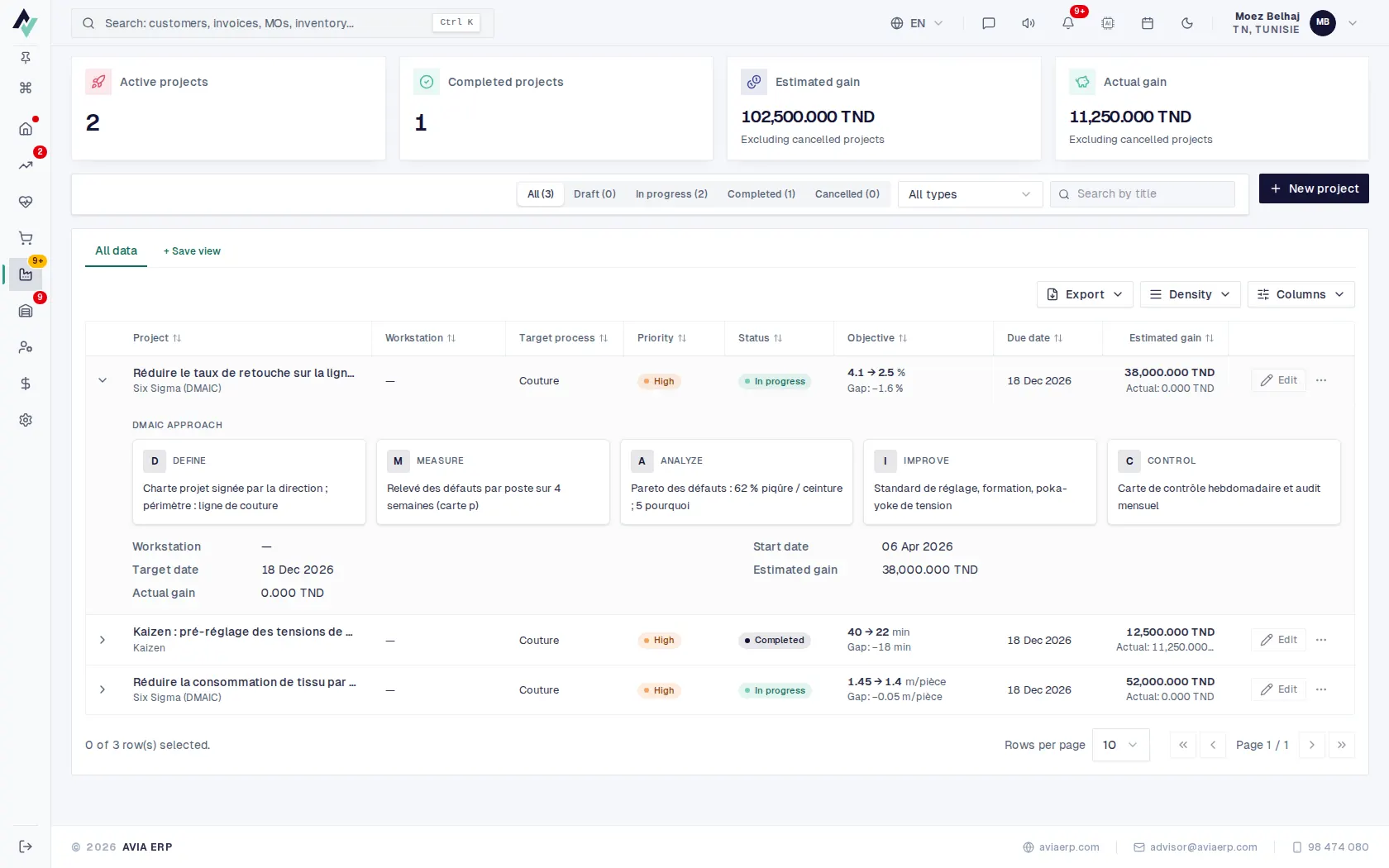
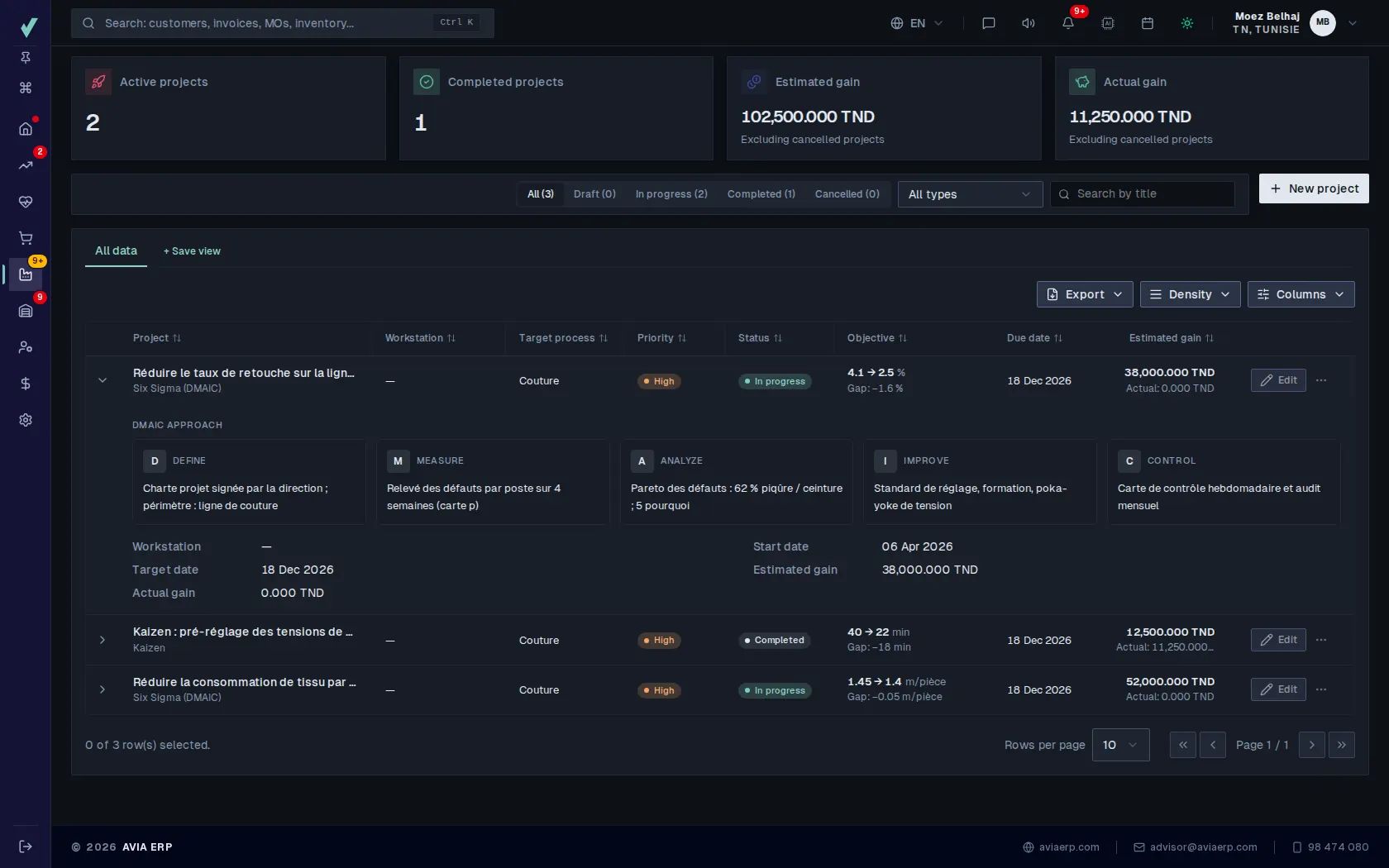
These five zones are free text: AVIA does not replace the method, it files it next to the data. The value lies elsewhere — in the following steps, every claim in the charter can be checked on a screen, not in a binder.
2. Measure: the control chart draws itself
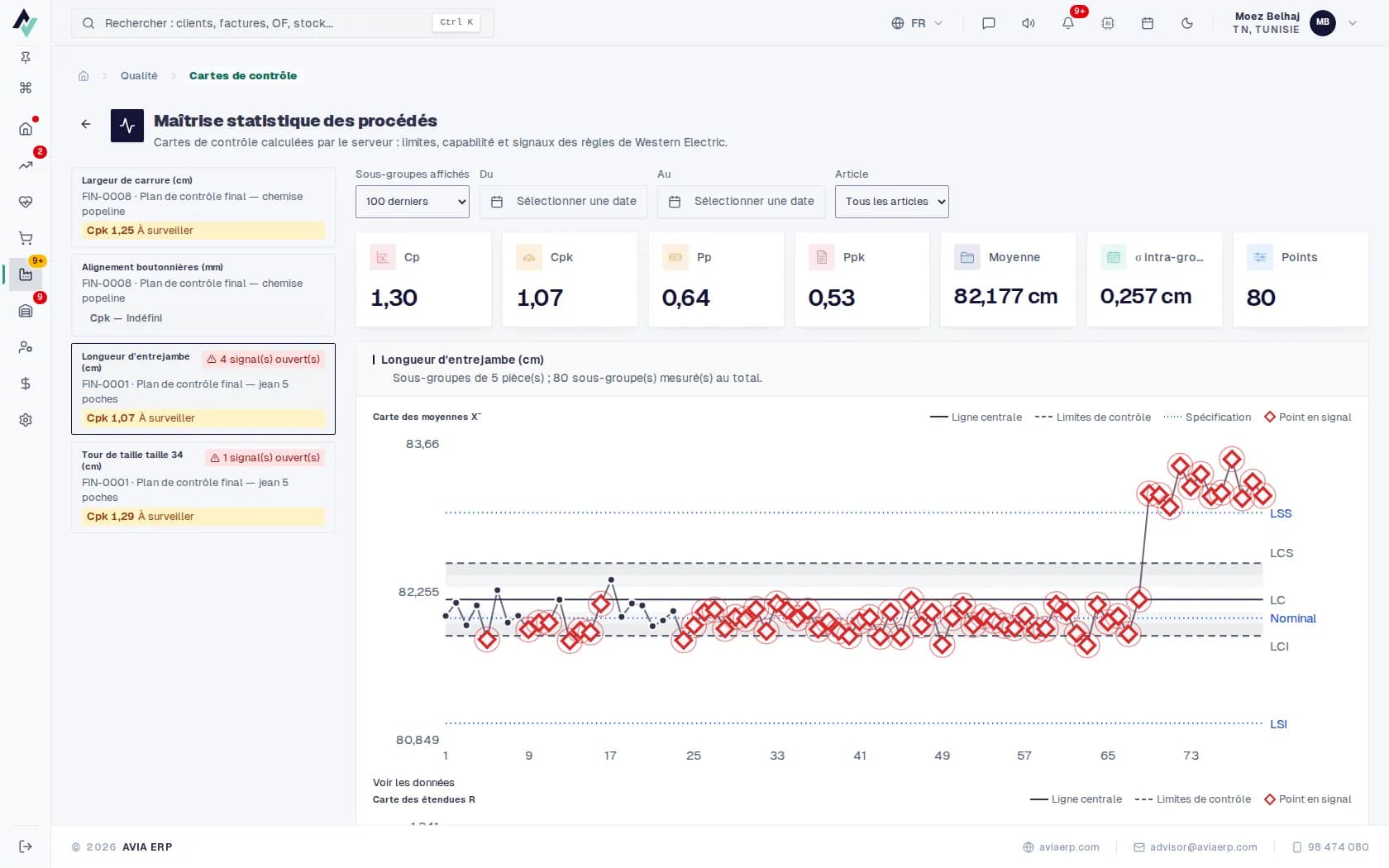
Measurements are entered at inspection, from the control plan. From the second subgroup onward, the chart appears in Quality › Control charts: an averages-and-ranges chart (X̄-R) for subgroups, an individuals chart (I-MR) otherwise. The limits are computed by the server; nobody copies them by hand.
Two settings close the classic gaps of the “measure” phase:
- the business rule “Valid calibrated instrument to measure”: a measurement taken with an instrument that is overdue for calibration, out of service or never calibrated is logged (Observe mode, the default) or refused (Block mode);
- in the quality settings, “Automatic NC on out-of-tolerance measurement”: a non-conformity opens as soon as an entered measurement falls outside the tolerances.
3. Analyze: Cp, Cpk, Pp, Ppk and the signals
The same page gives the four capability indices. Cp and Cpk are computed with the dispersion within subgroups (short term), Pp and Ppk with the overall dispersion (long term). The badge follows a displayed scale: Capable from 1.33, Watch between 1 and 1.33, Not capable below 1.
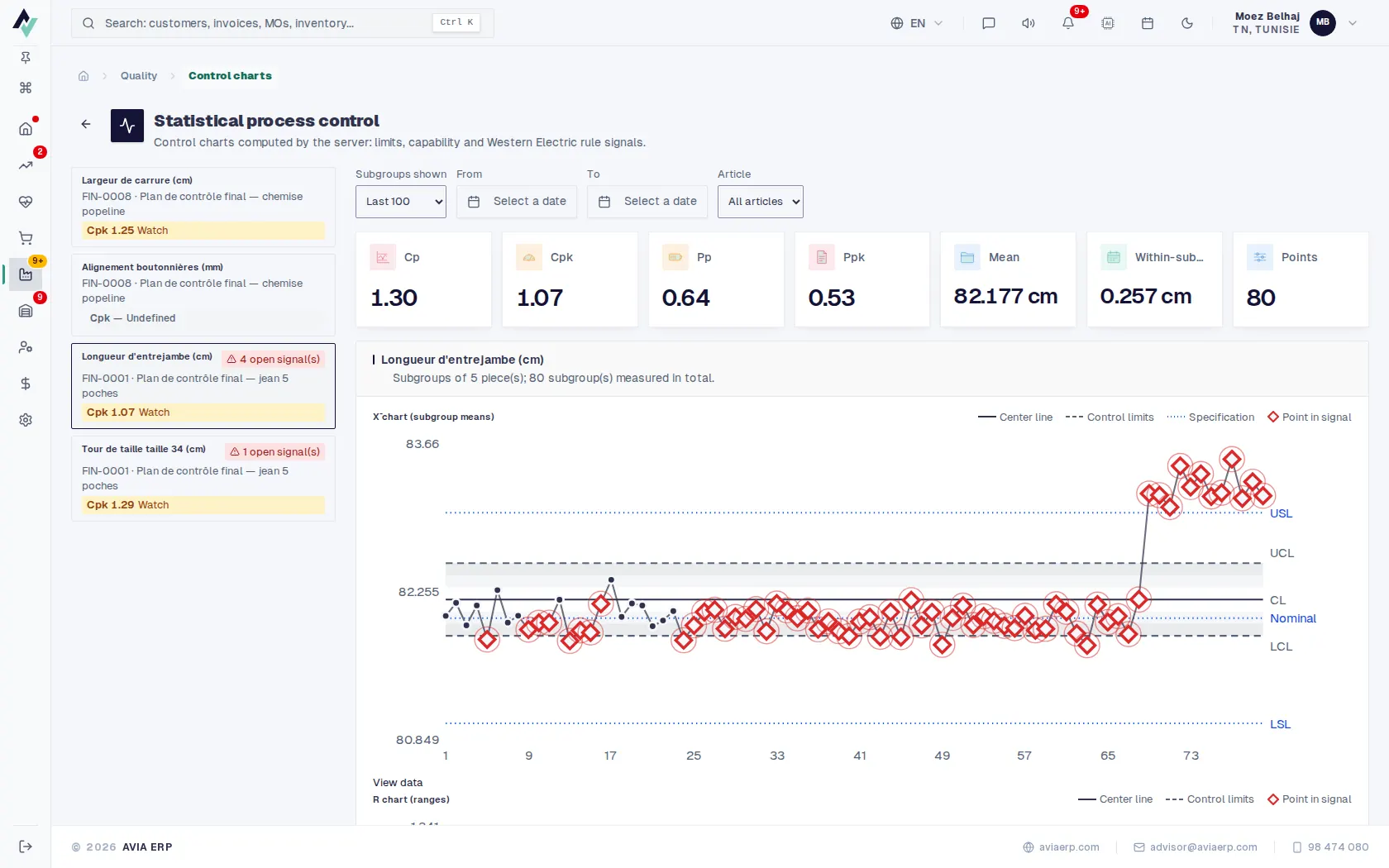
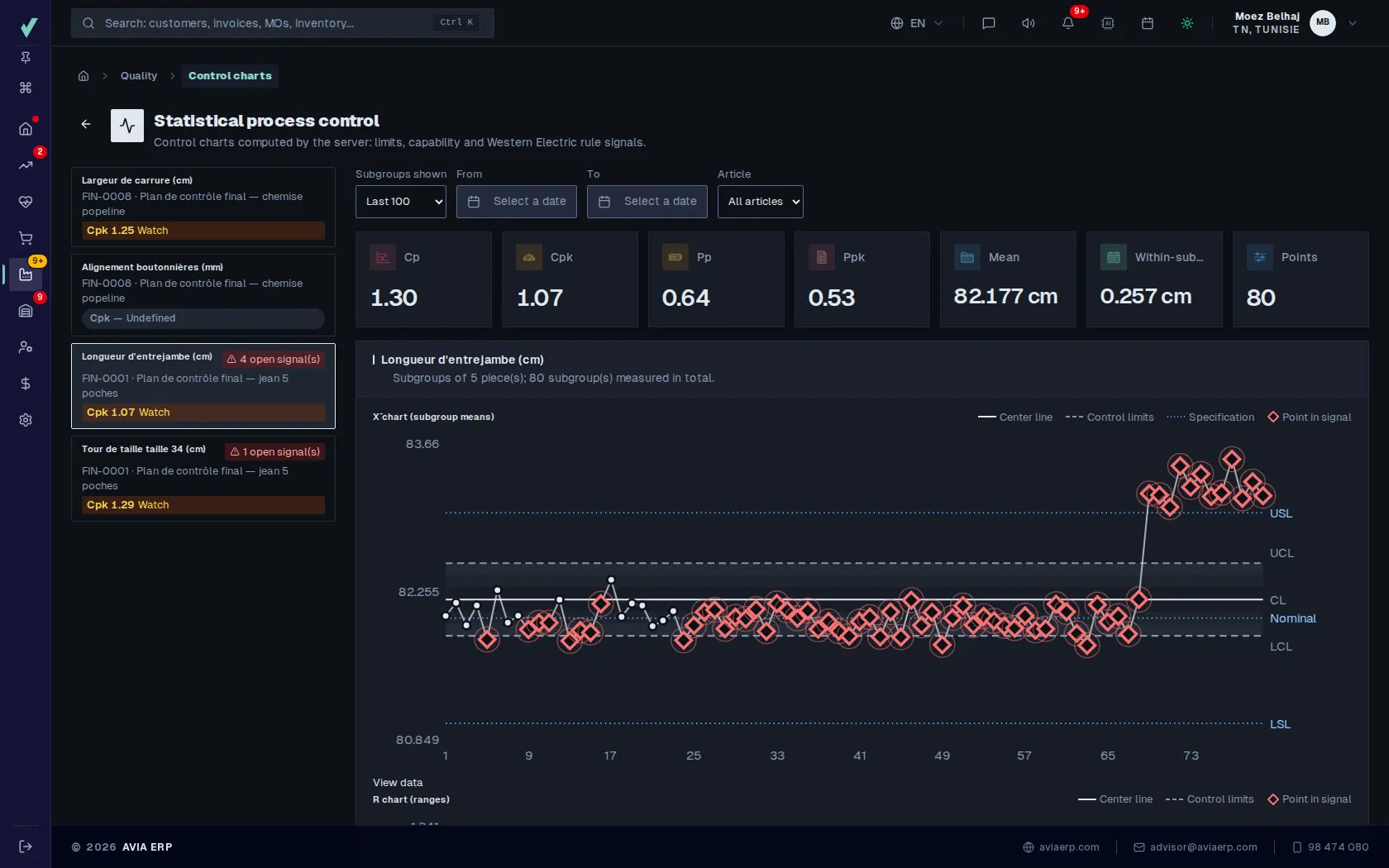
What counts is the reading. A decent Cp with a low Pp does not say “change the machine”; it says the mean moved between two periods. The four Western Electric rules flag the points concerned (one point beyond 3σ, two out of three beyond 2σ, four out of five beyond 1σ, eight on the same side) and the side list counts the open signals per characteristic.
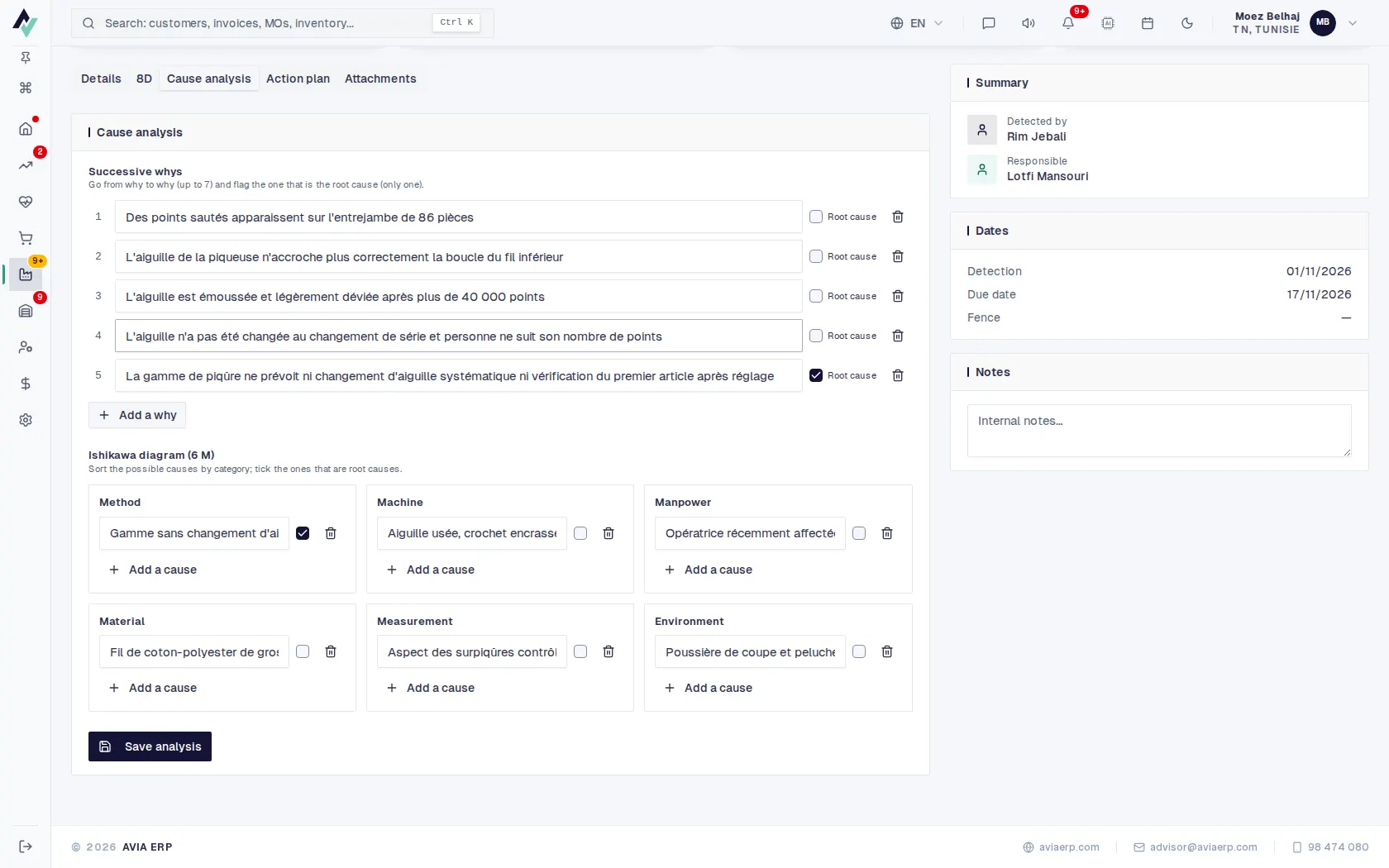
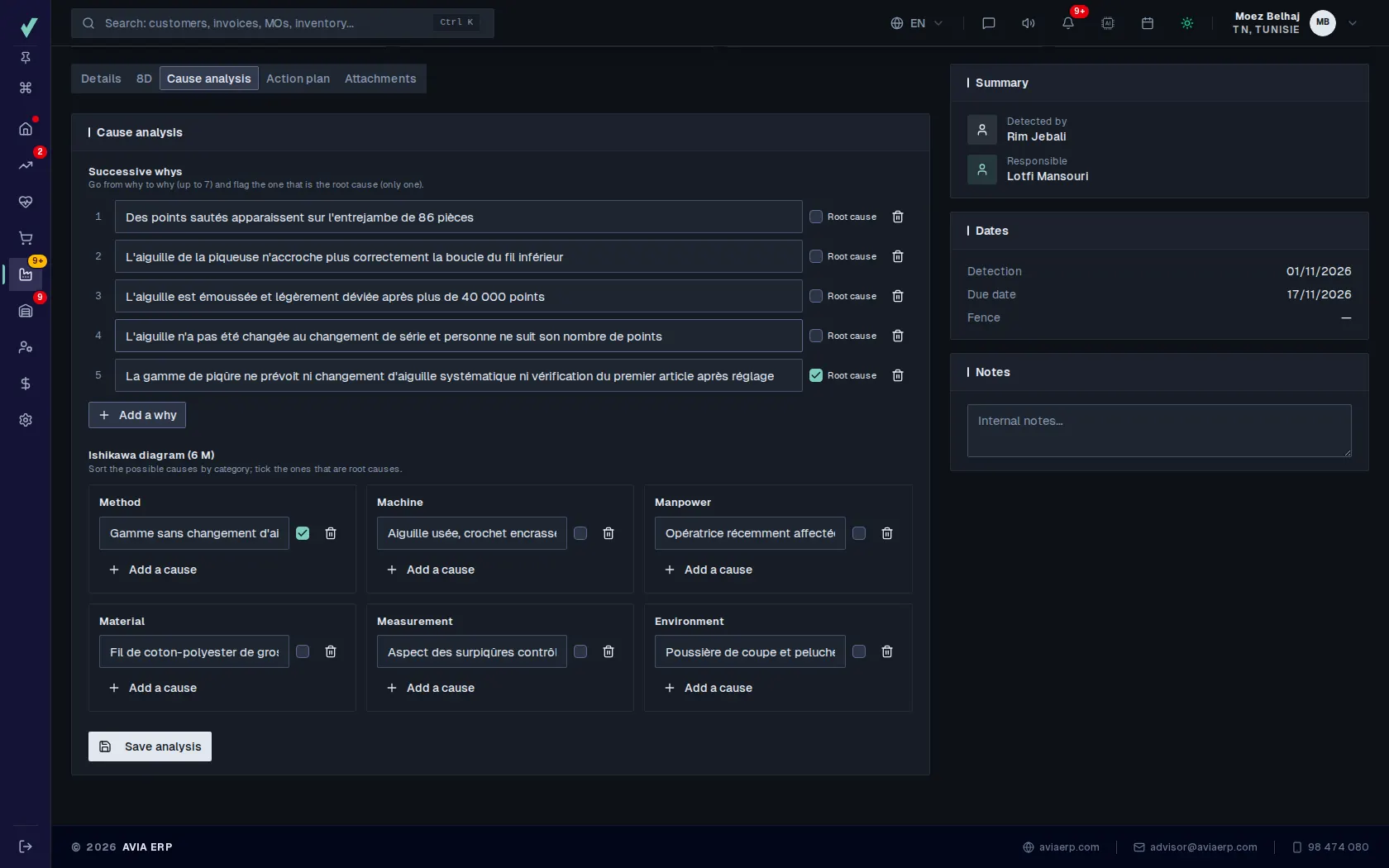
The cause is then sought in the non-conformity, Cause analysis tab: the successive whys (seven at most, only one marked “root cause”) and the Ishikawa diagram in six families — method, machine, manpower, material, measurement, environment.
4. Improve: the corrective action and its verdict
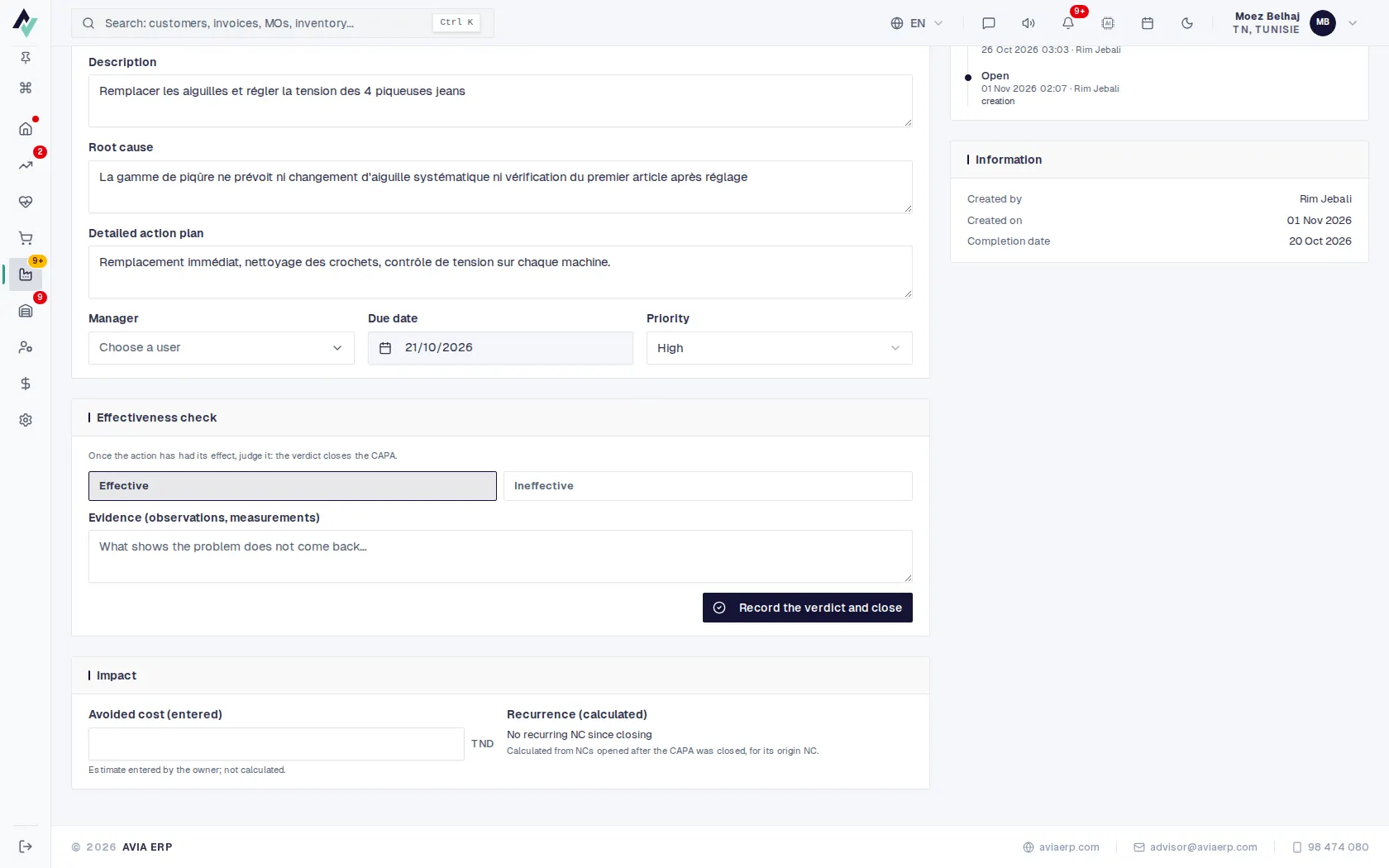
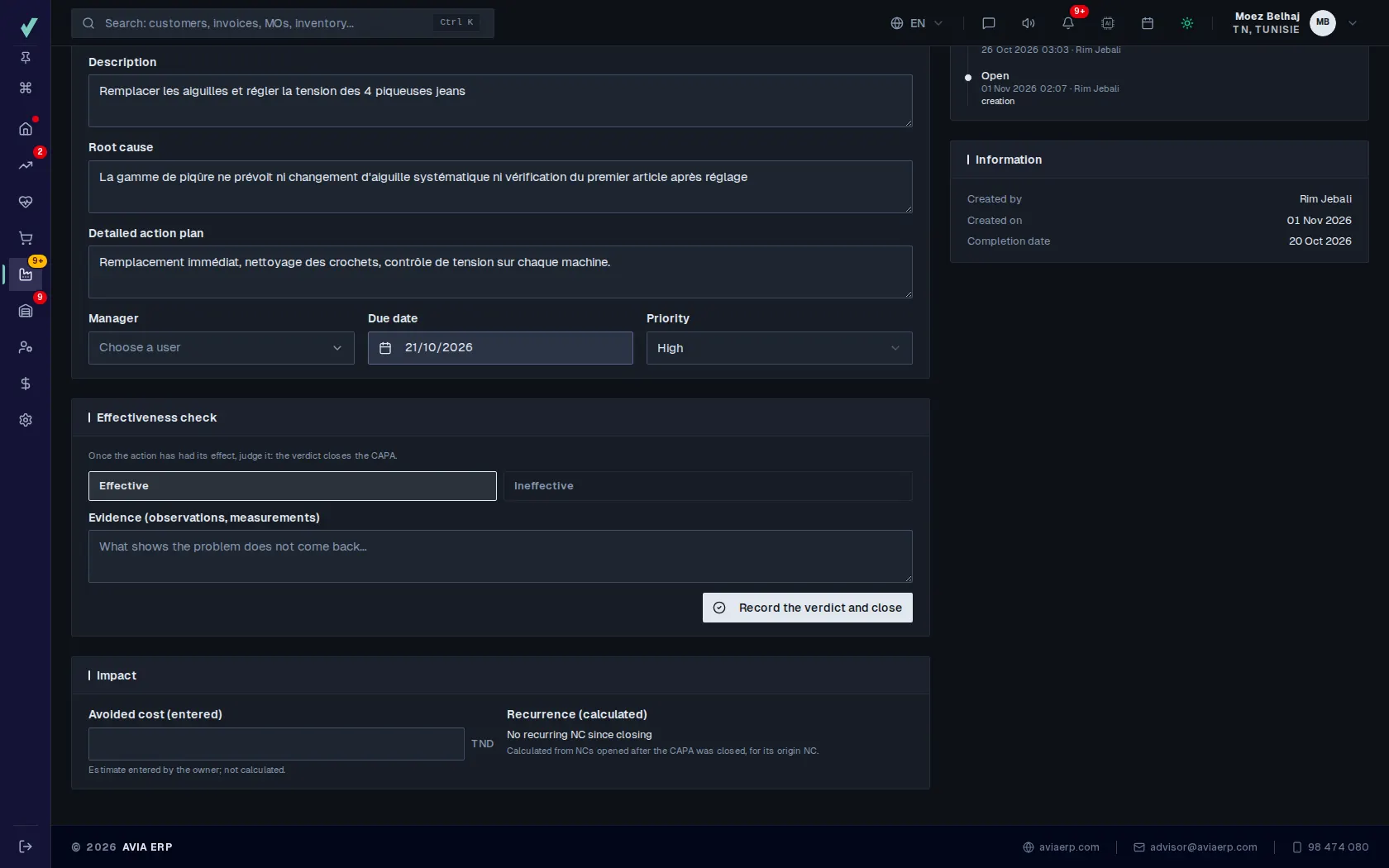
The corrective action (Quality › Corrective & Preventive) takes up the originating non-conformity and its root cause. It carries an owner, a deadline and a detailed plan. It is not closed on “done”: it is closed on an effectiveness verdict, effective or ineffective, with the evidence. An action judged ineffective is closed as such and a new one is opened on the same origin. Below the verdict, recurrence is computed: AVIA counts the non-conformities opened since the closure.
5. Control: the rules that prevent backsliding
This is the step that improvement programmes skip, and the one where an ERP changes the game: instead of a reminder in a meeting, a business rule holds the discipline at every entry. In Settings › Business rules, four types serve DMAIC directly:
- Non-conformity / corrective action loop: an NC does not move to the next step without a root cause, without a completed action, then without verified effectiveness.
- Complete 8D file before closing a non-conformity: a major or critical NC cannot be closed until the eight disciplines are filled in; minor ones keep the 8D optional.
- Recurring non-conformance: from a threshold of open or recent occurrences on the same item (threshold and window in days to be set), the new NC is flagged or refused — a defect that comes back calls for a corrective action, not one more record.
- Excessive scrap rate: a production declaration whose scrap rate exceeds the workstation's reference rate, plus a margin in points, is refused or flagged.
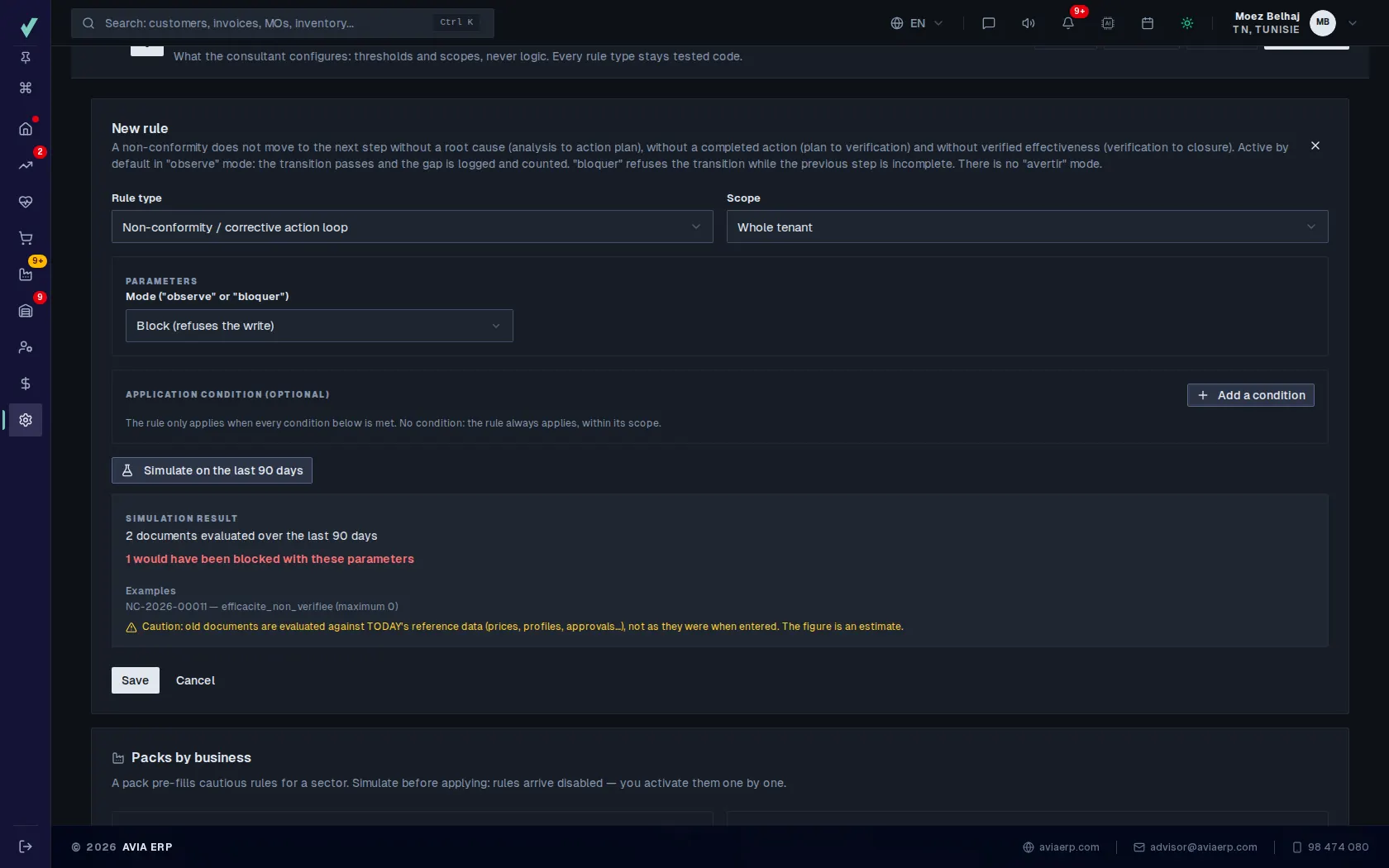
Setting up always follows the same order: choose the type and the scope, set the mode, then simulate before saving. The simulation replays the rule on the documents of the last 90 days, writes nothing, and cites examples.
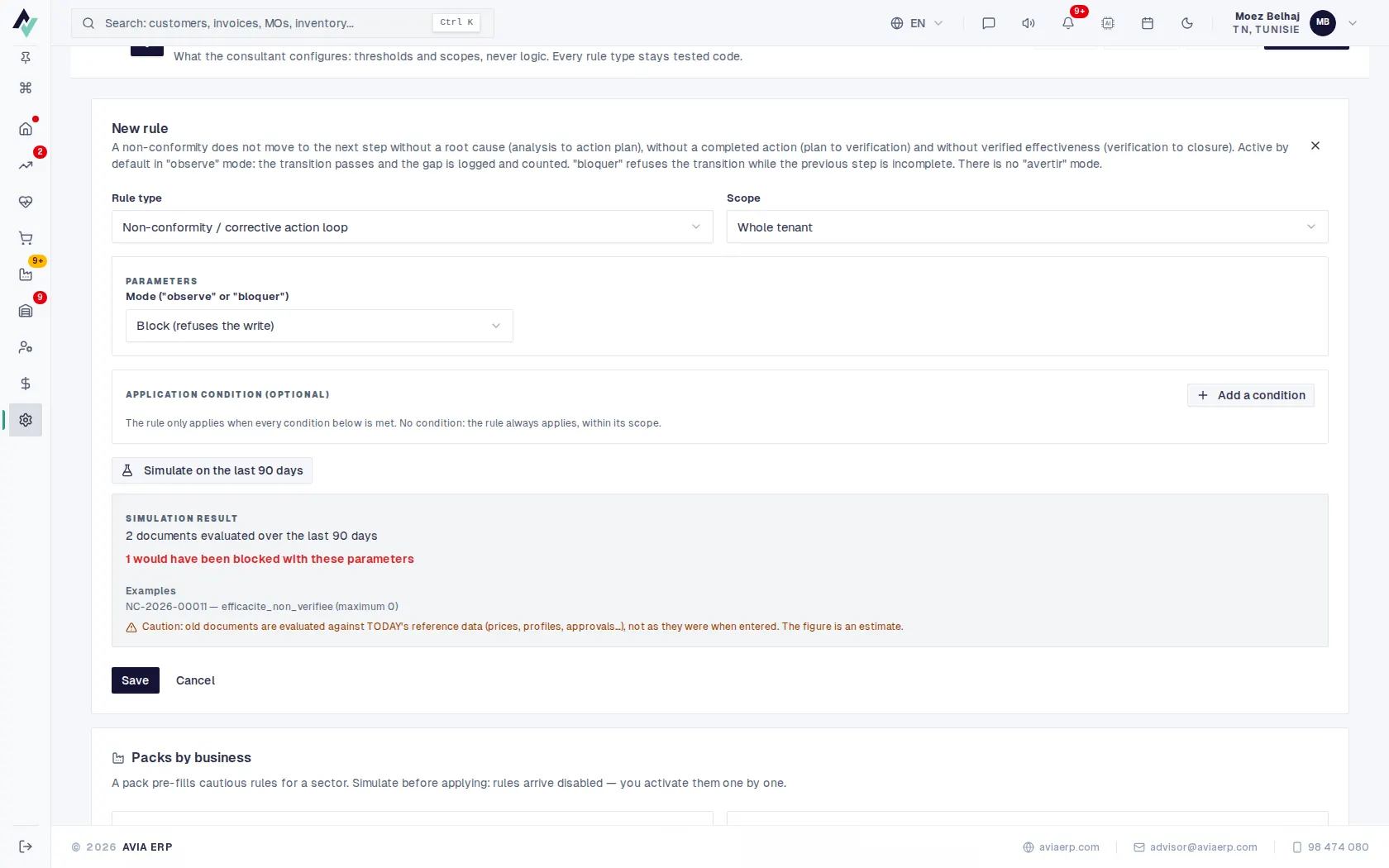
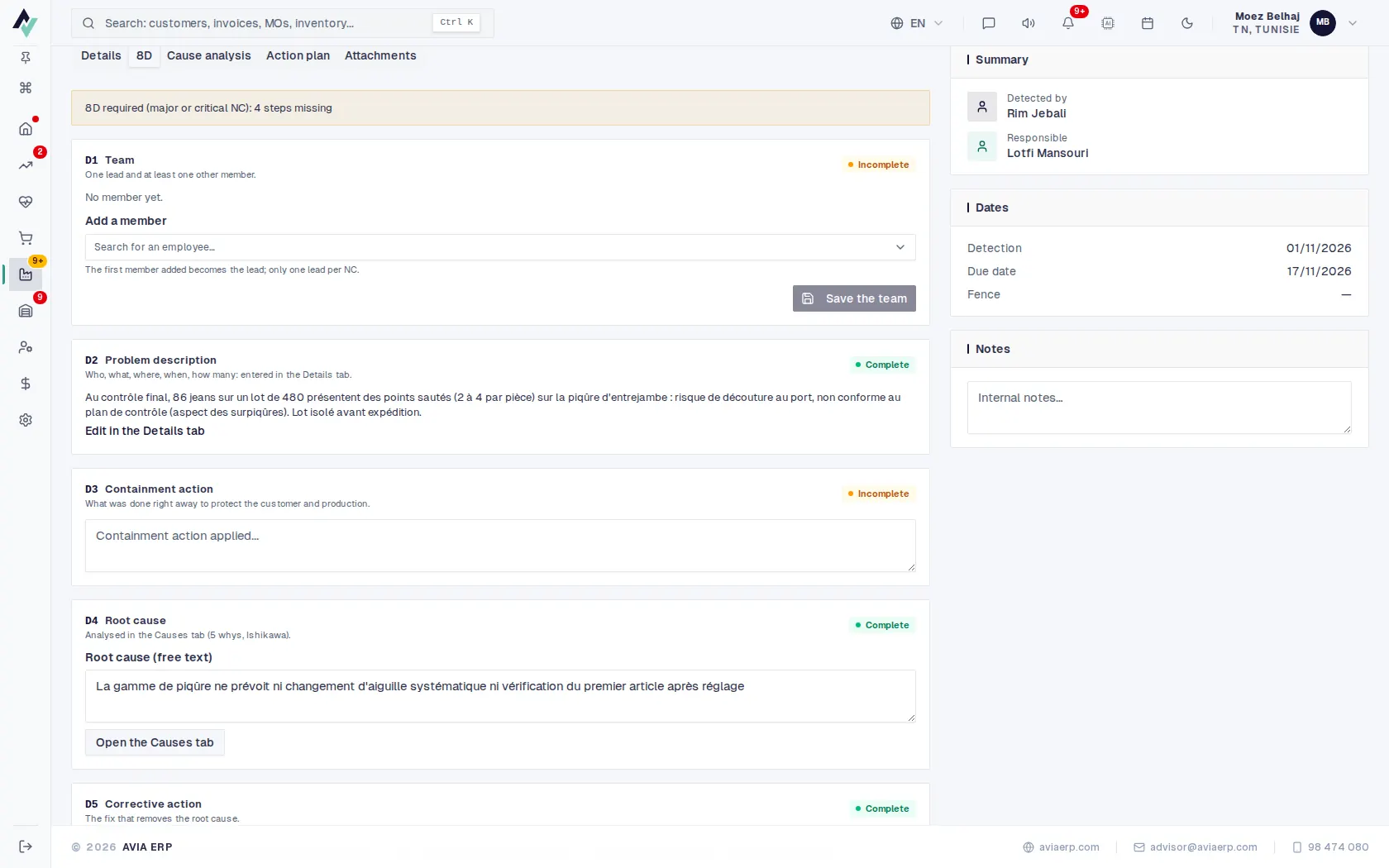
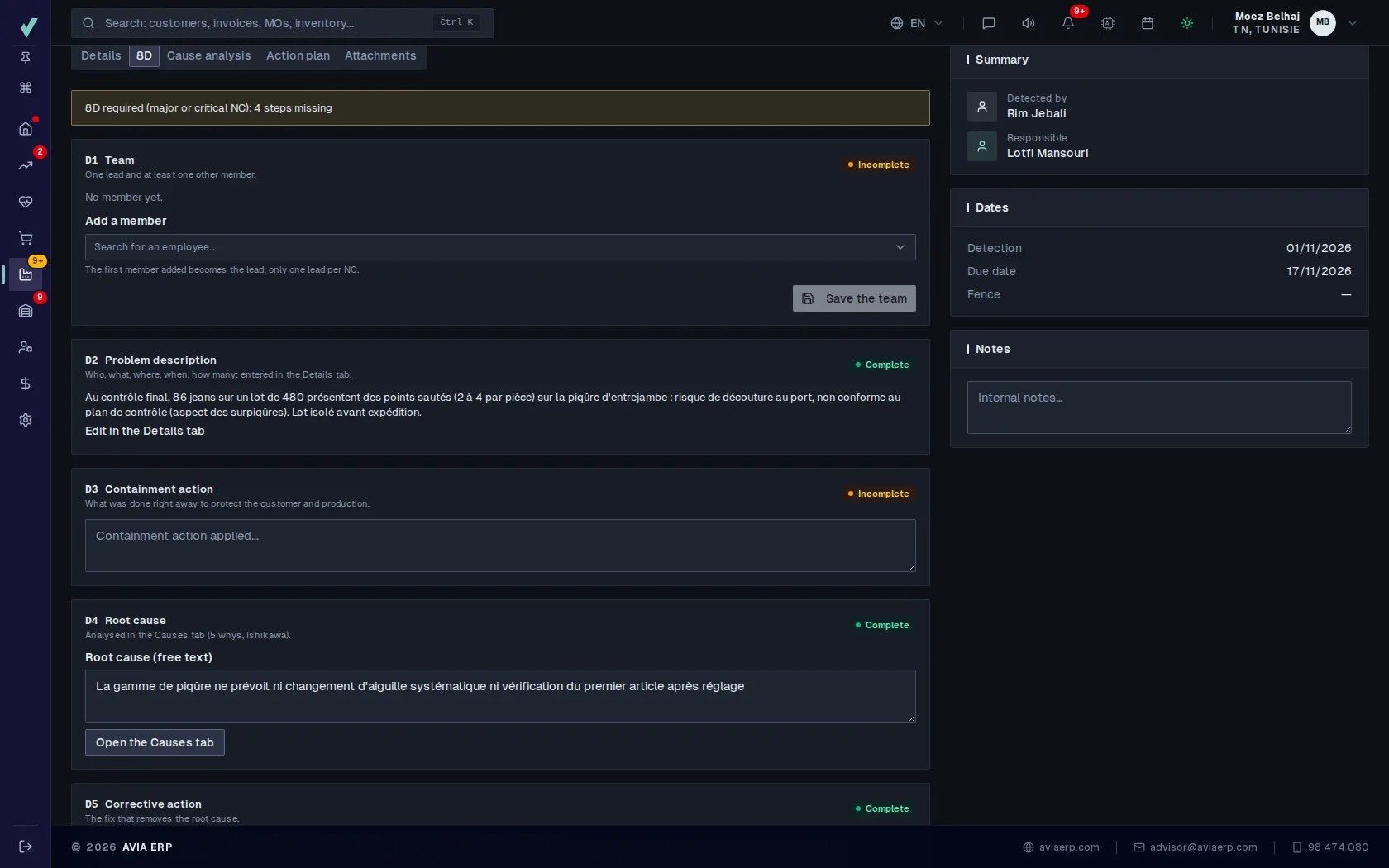
For the non-conformity / corrective action loop and the complete 8D, start in Observe mode: the rule lets things through, but every gap is logged and counted. Once the team has got the habit, switch to Block. Recurring non-conformance and excessive scrap rate have no Observe mode: they are set to Warn (the excess is flagged) or Block. For the example non-conformity, the 8D already shows what is missing before any closure:
Six Sigma by sector: the rule pack that goes with it
The example in this article is a garment workshop, but the method pays off first where dispersion costs the most. For two sectors, AVIA ships a rule pack ready to apply. A pack arrives with its rules switched off: you simulate it, then switch the rules on one by one.
What AVIA does not do for you
The project's DMAIC zones are free text, not a guided assistant. AVIA computes neither a sigma level nor DPMO, and provides no gauge repeatability and reproducibility study: it guarantees that the instrument is calibrated, not that the measurement method is under control. These limits are known; better to know them before the first project.
Going further
The method itself — lead time or variation, why the first step decides everything — is detailed in Lean or Six Sigma: is your problem lead time or variation?. How rules work (scopes, modes, packs, simulation) is described in the business rules documentation and on the business rules page. For the example's sector, see ERP for textile, and for the overview Lean Six Sigma.